AI · Software · Technology
Claude Design standalone site to close on December 14: what to check before migrating your design system
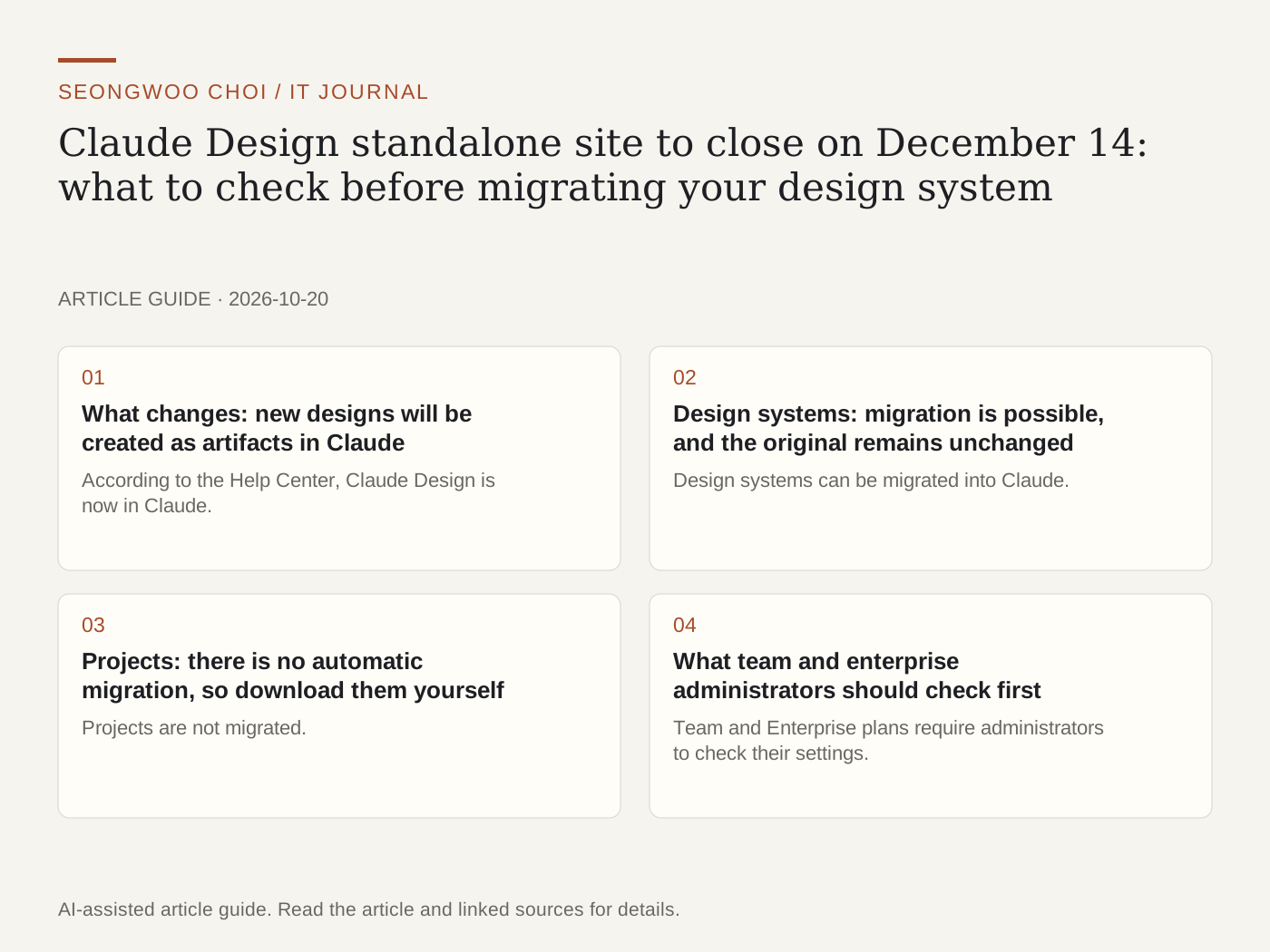
As Anthropic's design tool Claude Design moves into Claude, the standalone site claude.ai/design will close on December 14, 2026. After closure, this address will redirect to Claude. If you use it for design work, check two things now: whether you can migrate your design system and how to store your project files. This article is based on Anthropic Help Center documentation.
1. What changes: new designs will be created as artifacts in Claude
According to the Help Center, Claude Design is now in Claude. When you start a new design, design system, or slide deck in Claude, it is created as an artifact. It is available on the Free, Pro, Max, Team, and Enterprise plans and is enabled by default. For the Enterprise plan, the default setting will be enabled starting October 15, 2026. Because this feature depends on artifacts, you cannot create or migrate new designs if artifacts are disabled by your organization.
2. Design systems: migration is possible, and the original remains unchanged
Design systems can be migrated into Claude. Migrated design systems can be used in Claude conversations, and the Help Center says they can also be used in Claude Code. Migration does not change the original on the standalone site before closure. The migrated design system's files are transferred in their original state, and the editor displays the notice 'Ask Claude to make changes.' This means direct editing is still limited.
If files are too large or include unsupported types, the reason appears under 'Unable to migrate' in the migration results list. For example, if the reason is 'Too large,' reduce or delete the file and migrate again.
3. Projects: there is no automatic migration, so download them yourself
Projects are not migrated. They continue working on the standalone site until the closing date, and up to 60 projects appear in the Claude artifacts page, but opening one takes you to the standalone site. Projects can be downloaded one at a time as .zip files. The Help Center explains that these files contain all project files, are free, and do not count toward usage limits. No method for downloading everything at once is provided.
Projects shared through public links will stop working when the standalone site closes. The originals on the standalone site will be deleted in December under the data retention policy. The only guidance on project migration says that more details are 'coming soon,' so it is safer to download any projects you need to keep now rather than wait for migration instructions.
4. What team and enterprise administrators should check first
Team and Enterprise plans require administrators to check their settings. Artifacts must be enabled. Design systems and the Design and Slides items are enabled by default on the Team plan but disabled by default on the Enterprise plan. Enterprise organizations using custom roles must enable artifact permissions separately for each role. If the design system owner's role lacks design system permissions, that system will not be migrated. Organizations using a zero data retention (ZDR) policy cannot enable artifacts, making migration impossible, so they must download all projects before closure.
Summary: three things to check before December 14
First, migrate your design systems to Claude and check failed items in the migration results. Second, download any projects you need to keep, one at a time as .zip files. Third, if you have designs shared through public links, tell recipients where to find them at the new location. Since the closing date has already been set, checking now reduces the chance of losing work at the end of the year.
Sources: Claude Help: Migrate from standalone Claude Design to Claude · Claude Help: Get started with Claude Design
Sources and original article
- support.claude.com/en/articles/17440474-migrate-from-standalone-claude-design-to-claude
- support.claude.com/en/articles/14604416-get-started-with-claude-design
Read the Korean original on Naver
This article reflects public information available when it was written. Specifications, prices and schedules can change; check the linked official documentation.
This English edition was written and translated with AI assistance, with sources provided. For errors or additional information, please request a correction. Editorial policy