AI · Software · Technology
What to check before editing documents in AI conversations with Office in Copilot
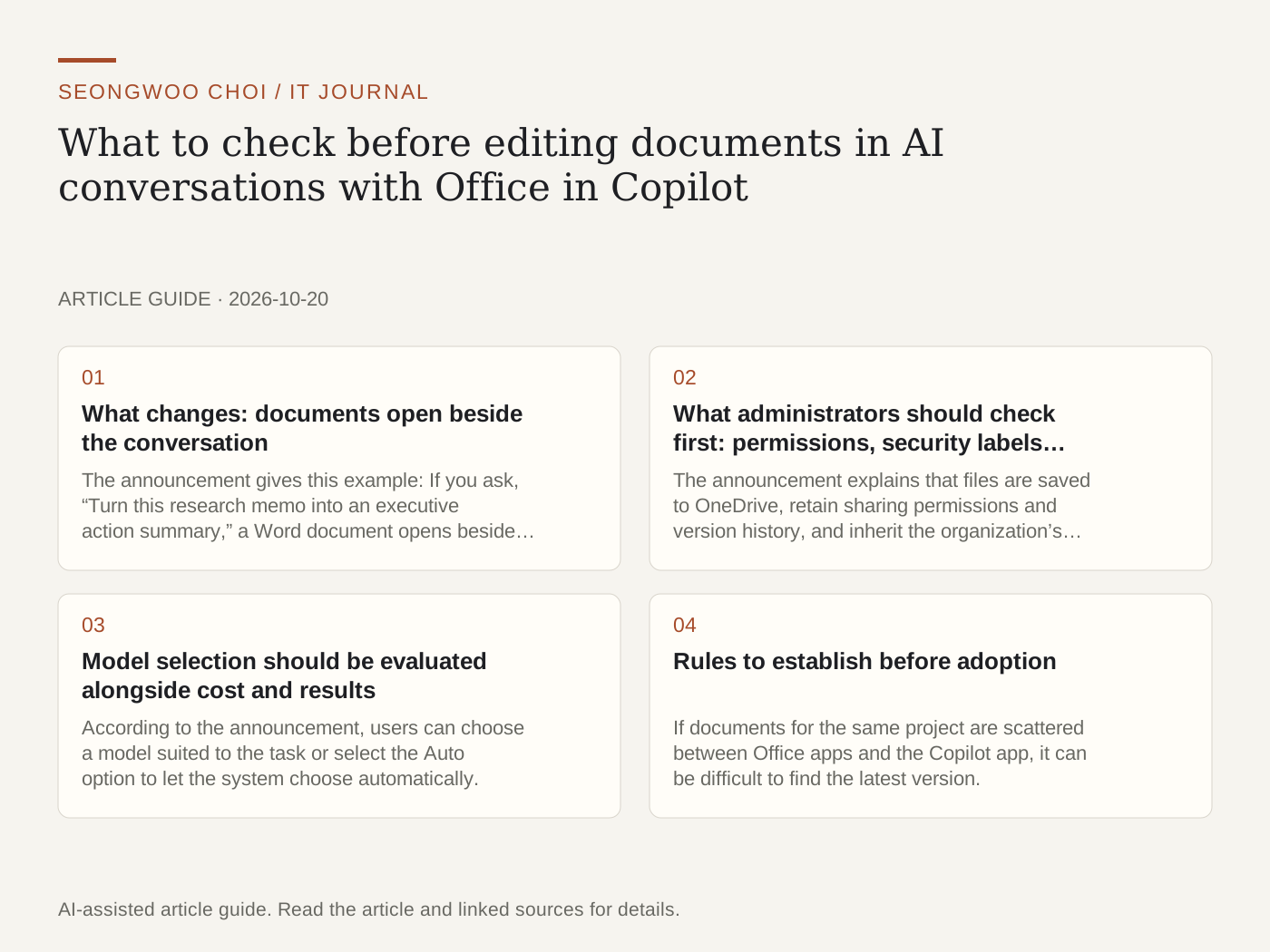
Microsoft introduced “Office in Copilot,” which adds Word, Excel, and PowerPoint features to the new Copilot app, on its official Technology Community blog on October 9, 2026. The key idea is that users can create drafts in a conversation, edit documents on the same screen, and move to standalone Office apps if needed. However, the announcement said the feature would initially roll out to Frontier customers in Chat and Cowork. Whether it is immediately available to your organization or account depends on program participation.
1. What changes: documents open beside the conversation
The announcement gives this example: If you ask, “Turn this research memo into an executive action summary,” a Word document opens beside the conversation, after which you can make follow-up requests such as “Add a table” or edit directly on the canvas. The conversation history is also retained. The design appears intended to reduce the need to move AI drafts into an Office app and revise them there.
2. What administrators should check first: permissions, security labels, and version history
The announcement explains that files are saved to OneDrive, retain sharing permissions and version history, and inherit the organization’s sensitivity labels, compliance requirements, and governance controls. This means newly created documents are subject to the same controls as existing Office files. However, the announcement does not describe the detailed behavior. Teams handling sensitive documents should first check the following three items with test accounts.
① Open and edit a file with a security label in the Copilot app and verify that the label remains intact. ② Create an external sharing link and check whether its permission scope matches the existing OneDrive settings. ③ Check whether AI-generated changes and human edits can be distinguished and reverted separately in version history.
3. Model selection should be evaluated alongside cost and results
According to the announcement, users can choose a model suited to the task or select the Auto option to let the system choose automatically. Changing models may affect not only document quality but also usage and cost. However, the announcement does not provide usage limits or pricing by model. Before using it at the team level, check directly in the administrative settings which model is the default and where usage is tracked.
4. Rules to establish before adoption
If documents for the same project are scattered between Office apps and the Copilot app, it can be difficult to find the latest version. It is therefore better to establish team rules in advance covering where drafts are created, where final versions are stored, and who approves them. These rules are more important for preventing real-world problems than the feature introduction itself.
In summary, the key point of this announcement is bringing AI conversations and document editing together on one screen. Productivity may improve, but permissions and audit records must carry over as well. Before adoption, first check where files are stored and who can change them, rather than focusing on the features.
Sources and original article
Read the Korean original on Naver
This article reflects public information available when it was written. Specifications, prices and schedules can change; check the linked official documentation.
This English edition was written and translated with AI assistance, with sources provided. For errors or additional information, please request a correction. Editorial policy