AI · Software · Technology
Cursor Computer Use: from writing code to testing desktop apps
What changes when Cursor can write a feature and then operate the app to check it? On October 23, 2026, Cursor announced Computer Use, describing agents that drive desktop apps such as the iOS Simulator to test features they build. The aim is to connect code changes with checks in the running application.
App control does not guarantee that an agent will find every error. This article examines the official announcement and proposes concrete checks for tasks you might assign. It is an analysis of the announcement, not a hands-on performance review.
What was announced?
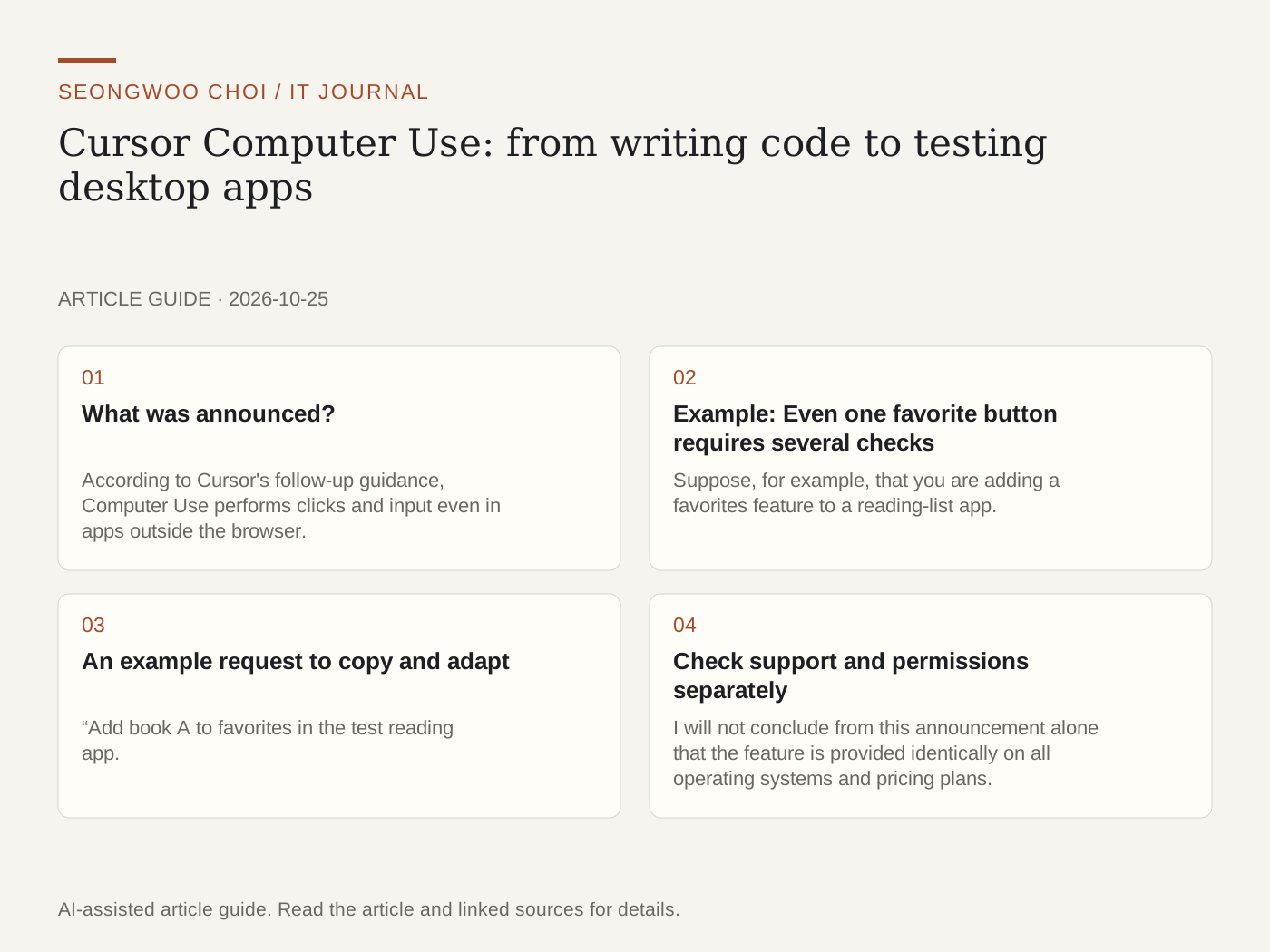
According to Cursor's follow-up guidance, Computer Use performs clicks and input even in apps outside the browser. Cursor uses it when a task requires it, and you can also request it by mentioning Computer Use with @ in a prompt. The company advised users to update to the latest Cursor and try it.
The specific example given in the announcement is the iOS Simulator. The point to note is that it does not stop at reporting that “the code has been written”; it runs the created feature on screen and verifies it. However, one published example is not enough to conclude that the same result will occur in other apps or every environment.
Example: Even one favorite button requires several checks
Suppose, for example, that you are adding a favorites feature to a reading-list app. The following is an example I created to evaluate the feature; it does not reproduce Cursor's actual execution results or an official demonstration.
The first check is whether the star changes when the button is pressed. The second is whether the book just selected appears exactly once in the favorites list. The third is whether the selected book remains after closing and reopening the app. Finally, check whether it disappears from the list when the favorite is removed.
The fact that the star changed on screen does not mean that all the other conditions passed. The screen may have changed first even though saving to the server failed. Therefore, rather than simply telling the agent, “Check whether it works,” it is easier to review the result if you specify the initial state, action, and expected result separately.
An example request to copy and adapt
“Add book A to favorites in the test reading app. After checking that book A appears only once in the favorites list, reopen the app and check whether the state persists. Report separately which screens you actually checked and which conditions you could not check, and if an error occurs, record the last successful step and the reproduction sequence.”
This request defines the verification criteria set by the user. It does not mean that Cursor will always perform this process successfully. In particular, rather than receiving only a “complete” response, you should keep a record of what was checked on which screen so that you can compare the same conditions during subsequent fixes.
Check support and permissions separately
I will not conclude from this announcement alone that the feature is provided identically on all operating systems and pricing plans. Cursor's separately published self-hosted Cloud Agent documentation describes Computer Use for macOS and Linux workers. However, the support scope in that document cannot simply be treated as the complete support matrix for this desktop announcement.
A suggested starting point is a test account and one small task. Rather than assigning a broad scope while personal messaging or payment screens are open as well, clearly define the app and goal, then directly review the first result. This is an operational suggestion for adoption, not a statement describing product-provided isolation features.
Why the verification process matters
The useful change is the possibility of more concrete result reporting. If the cycle of code change, execution, screen check, and revision can happen more often, developers may spot problems in user flows earlier. Conditions such as correct data storage and permissions still require separate testing and review.
At first, try comparing the before-and-after states for one button or one settings screen. You must measure the time actually saved and record failed conditions as well to determine whether it helps your work. The key is to distinguish the significance of the announcement from verified results.
References · Checked October 25, 2026
Cursor official announcement: Desktop apps and iOS Simulator
Cursor follow-up guidance: Clicks, input, and invocation method
Cursor documentation: Computer Use for self-hosted workers — separate deployment method
Sources and original article
- x.com/cursor_ai/status/2113661506634305834
- x.com/cursor_ai/status/2113661518780998003
- cursor.com/docs/cloud-agent/self-hosted/computer-use
Read the Korean original on Naver
This article reflects public information available when it was written. Specifications, prices and schedules can change; check the linked official documentation.
This English edition was written and translated with AI assistance, with sources provided. For errors or additional information, please request a correction. Editorial policy
Related videos and posts