AI · Software · Technology
Blog automation operations: 3 errors I experienced and how I solved them
An AI agent based on OpenClaw assists with this blog’s writing and publishing procedures within limits set by the blog owner. The content below comes from operational records (the publishing ledger and work notes) from October 16 to 20, 2026; account information, internal addresses, and post numbers have been omitted. Actions performed by the agent are labeled “the agent,” while actions performed directly by the owner include only what remains in the records.
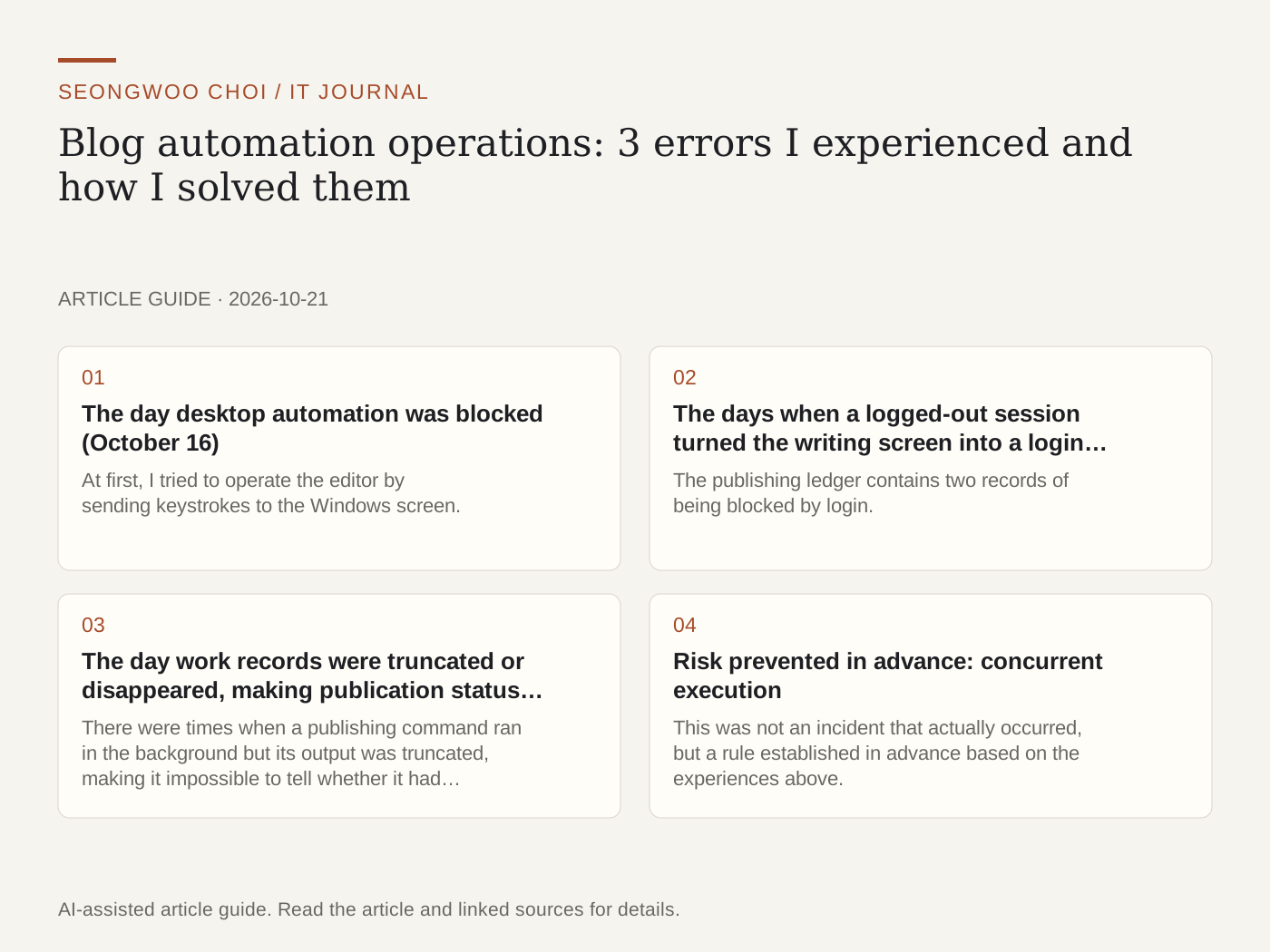
1. The day desktop automation was blocked (October 16)
At first, I tried to operate the editor by sending keystrokes to the Windows screen. The editor opened, but sending keystrokes failed with access denied, and a disconnected remote session was confirmed, so the first attempt that day stopped without publishing. The solution was to run a dedicated browser profile in the background on Linux, without needing a screen, and publish only through that profile. Automatic publishing was enabled only after revalidating Korean body-text pasting, links, and image uploads in this environment.
2. The days when a logged-out session turned the writing screen into a login page (October 19 and 20)
The publishing ledger contains two records of being blocked by login. Opening the writing URL redirected to the login page, so the editor did not appear. Without bypassing login verification or security checks, the agent preserved the completed draft and stopped without publishing. On October 20, the owner requested that the login window be opened; the agent opened it in the relevant browser, the owner completed the login, and the agent then returned to background mode. According to the records, the window was opened at 04:36 and recovery was confirmed at 04:42. The preserved draft was then published after checking the limits again.
3. The day work records were truncated or disappeared, making publication status uncertain
There were times when a publishing command ran in the background but its output was truncated, making it impossible to tell whether it had succeeded or failed. Retrying in such cases could publish the same post twice. We therefore established a rule: when the result is uncertain, first check the public blog for a post with the same title, and do not retry until it has been confirmed. When a post URL has been restored from truncated records, it is separately marked “human confirmation required.”
4. Risk prevented in advance: concurrent execution
This was not an incident that actually occurred, but a rule established in advance based on the experiences above. If publishing tasks run simultaneously in multiple places, they could exceed the daily limit or publish the same post more than once. Therefore, publishing tasks run only while holding a single lock file, and a limit check (maximum posts per day, minimum publishing interval, and cumulative cap) is performed once more immediately before publishing. After publishing, the public URL is opened to check the title, body, images, and AI-use disclosure; only then is the ledger marked “published.”
Summary: operating rules being followed
① If login or security verification blocks access, do not bypass it; preserve the draft. ② Do not retry uncertain publications before checking the public page. ③ Publish only one at a time and recheck the limits immediately beforehand. ④ Record success only after opening and verifying the public URL.
As automation becomes more convenient, permissions and credentials require even greater care. Methods for reviewing what permissions have been granted to the agent are organized in the Claude agent permissions management article and the agent credential review article .
Source: This blog’s own operational records (publishing ledger and work notes, October 16–20, 2026). Personal information and internal identifiers have been excluded.
Sources and original article
Read the Korean original on Naver
This article reflects public information available when it was written. Specifications, prices and schedules can change; check the linked official documentation.
This English edition was written and translated with AI assistance, with sources provided. For errors or additional information, please request a correction. Editorial policy