AI · Software · Technology
The difference between passkeys, passwords, and 2-Step Verification: How to prepare to log in even after losing your device
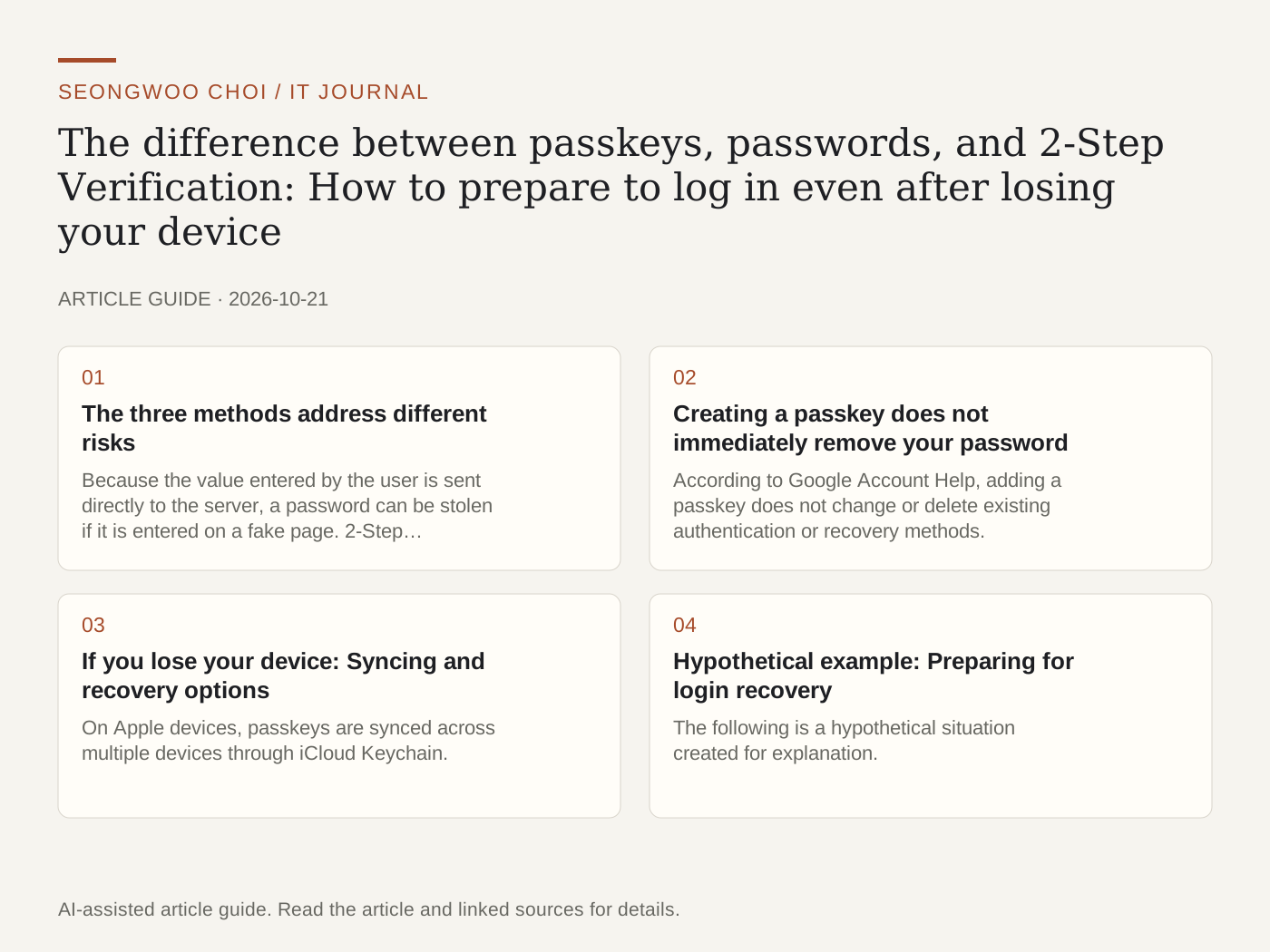
Passwords are easy to reuse across multiple sites, and you can enter them directly into fake login pages. Passkeys are a login method designed to reduce these problems. This article compares passkeys, passwords, and 2-Step Verification based on official help documents, and explains what to do in advance so you can still access your account if you lose your device.
1. The three methods address different risks
Because the value entered by the user is sent directly to the server, a password can be stolen if it is entered on a fake page. 2-Step Verification adds an authentication code or approval request after the password. A passkey uses a private key to sign with a key pair created on the device, so there is no shared secret that the user enters. Apple Support explains that the server stores only the public key and cannot know the private key. Google Account Help also states that passkeys are more resistant to phishing because they cannot be shared, copied, or written down.
2. Creating a passkey does not immediately remove your password
According to Google Account Help, adding a passkey does not change or delete existing authentication or recovery methods. On accounts with 2-Step Verification enabled, a passkey can replace the second step. Google Workspace accounts provided by a company or school may not allow login with only a passkey, depending on administrator settings. Therefore, even after creating a passkey, it is a good idea to check the status of the 'Sign in with a password' option and which authentication methods are registered.
3. If you lose your device: Syncing and recovery options
On Apple devices, passkeys are synced across multiple devices through iCloud Keychain. Apple explains that the keychain is encrypted with keys that Apple cannot read and that there is a recovery path even if you lose all your devices. Recovery requires Apple Account authentication, SMS verification sent to a registered phone, and the device passcode. Attempts are limited to 10, and after the 10th failed attempt, the recovery record is destroyed. In other words, trying it as the first method that comes to mind in an emergency could cost you the opportunity. It is important to check the recovery requirements in advance.
4. Hypothetical example: Preparing for login recovery
The following is a hypothetical situation created for explanation. It is not an actual user case. Suppose that someone using one phone and one laptop is checking an email account.
① Write down which devices store the passkey. Example: one phone and one laptop.
② Check whether the password and 2-Step Verification methods (phone number, authentication app, security key) are still usable. Do not discontinue the others based only on one passkey.
③ Check the recovery path to use if you lose your device, and store that information outside the device. Choose the storage location according to your personal information standards. Example: a recovery note in a password manager.
④ Test whether you can log in on the new device before replacing your phone. If the test login does not work, do not dispose of or reset the old device.
5. Summary
Passkeys are resistant to phishing, but they do not replace recovery options. Before removing your password and 2-Step Verification methods, first check your synced devices, recovery procedures, and login option status. The names and locations of settings vary by OS and browser version, so it is safest to check the official help documents.
Sources: Google Account Help 'Sign in with a passkey instead of a password' , Apple Support 'About the security of passkeys' . Both documents were checked on October 21, 2026.
Sources and original article
Read the Korean original on Naver
This article reflects public information available when it was written. Specifications, prices and schedules can change; check the linked official documentation.
This English edition was written and translated with AI assistance, with sources provided. For errors or additional information, please request a correction. Editorial policy