AI · Software · Technology
RTX Spark Windows PC release date: What to check first in the announced specifications
Hello, I’m Meotjin Aewol Nongbu.
Microsoft and NVIDIA announced new AI PCs for Windows on October 7, 2026. The key is not only laptop performance but also creating an environment where agents can run continuously on a PC. Since today, October 16, is the laptop release date stated in the announcement, I’ll summarize the announcement and what to check before buying.
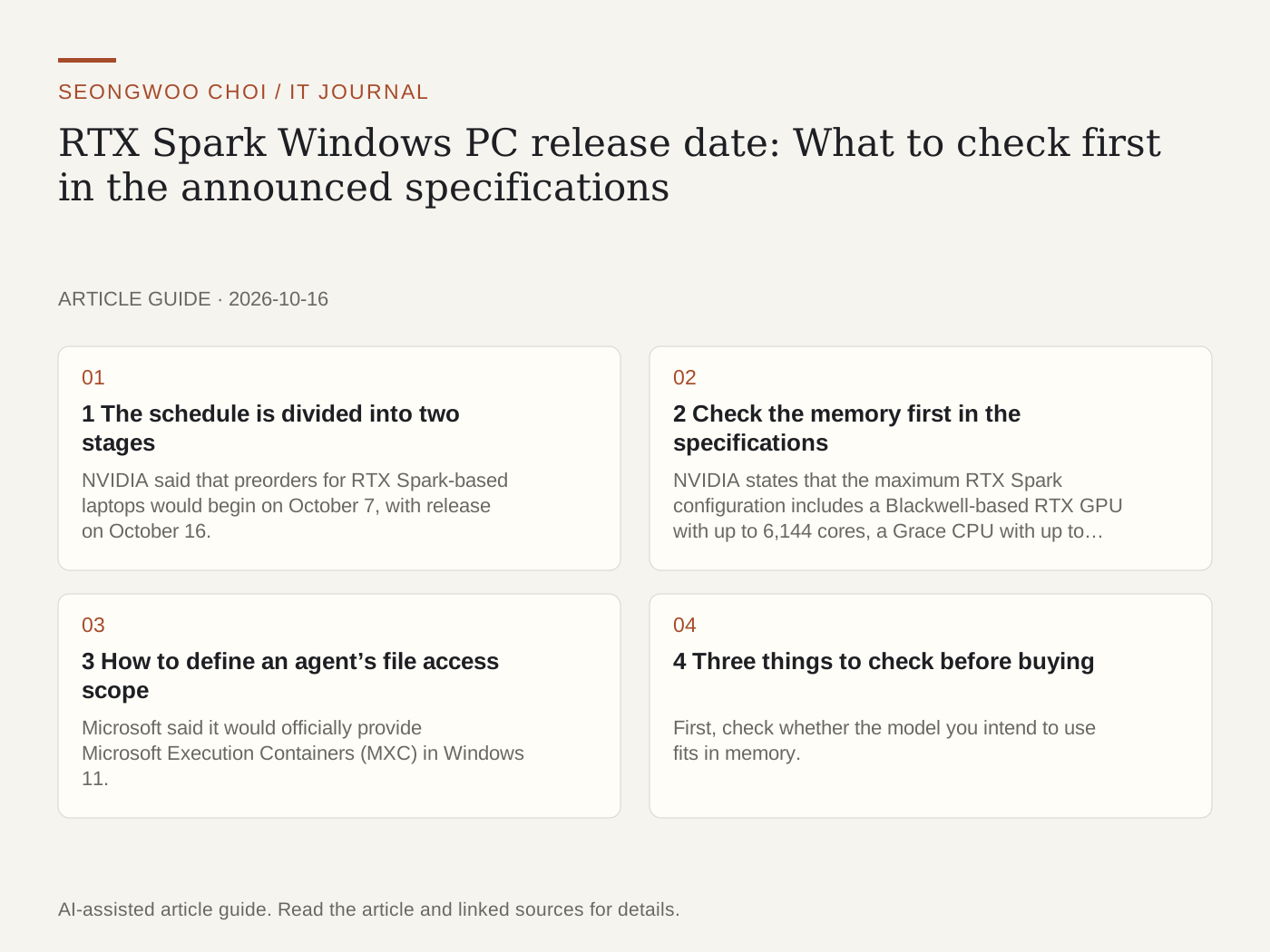
1 The schedule is divided into two stages
NVIDIA said that preorders for RTX Spark-based laptops would begin on October 7, with release on October 16. Compact desktops will go on sale in November. Microsoft also said that the Surface Laptop Ultra would be available for purchase starting October 16, while the Surface RTX Spark developer box (Dev Box) would ship in the United States in November. Microsoft announcement
However, neither announcement included a Korean release date or price. If you are considering purchasing one in Korea, check the manufacturer’s sales page separately for the regional schedule and price.
2 Check the memory first in the specifications
NVIDIA states that the maximum RTX Spark configuration includes a Blackwell-based RTX GPU with up to 6,144 cores, a Grace CPU with up to 20 cores, 600GB/s interconnect bandwidth, and up to 128GB of unified memory. It explains that AI performance is up to 1 petaflop based on FP4. NVIDIA announcement
For local models, memory capacity often becomes a limitation before processing speed. This is because a model must be loaded into memory to run. On the other hand, wording such as a specific model being “comparable to many cloud models,” as in NVIDIA’s example, is the company’s claim. Actual speed and quality vary depending on model size, quantization method, and input length, so direct testing is necessary.
3 How to define an agent’s file access scope
Microsoft said it would officially provide Microsoft Execution Containers (MXC) in Windows 11. MXC defines the files and networks an agent can access through policies and enforces those policies during execution. The announcement states that OpenAI Codex, GitHub Copilot, OpenClaw, and LM Studio support MXC, and that Anthropic’s Claude Code is preparing support.
As discussed in my previous article, when designing an agent, it is important to separately define what it can read and what actions it can send externally. MXC can be viewed as an attempt to manage these boundaries at the operating-system level. Related article: AI agent permission management
4 Three things to check before buying
First, check whether the model you intend to use fits in memory. Second, consider whether local or cloud execution is more suitable in terms of cost and privacy. Third, confirm whether the development tools or agent you use support MXC.
If it were me, rather than replacing my laptop immediately, I would choose one task that requires a local model using my current tools, measure it, and then decide. Have you ever run an AI model directly on a laptop?
Sources and original article
- blogs.windows.com/windowsexperience/2026/10/07/building-windows-for-hybrid-intelligence/
- blogs.nvidia.com/blog/local-ai-rtx-spark-microsoft-windows-event/
- blog.naver.com/swchoi1994/224443237114
Read the Korean original on Naver
This article reflects public information available when it was written. Specifications, prices and schedules can change; check the linked official documentation.
This English edition was written and translated with AI assistance, with sources provided. For errors or additional information, please request a correction. Editorial policy