AI · Software · Technology
Gemini Gems 2027 end dates: what Workspace admins should check first
Google is replacing Gems, the custom instruction feature used in the Gemini app and Google Workspace, with Skills. According to Google’s official documentation, the date Gems actually disappear varies by account type. For business and enterprise accounts, it is after March 1, 2027; for education accounts, it is after June 1, 2027. These dates are provided by Google, whose wording is “no sooner than.” The actual discontinuation may occur later.
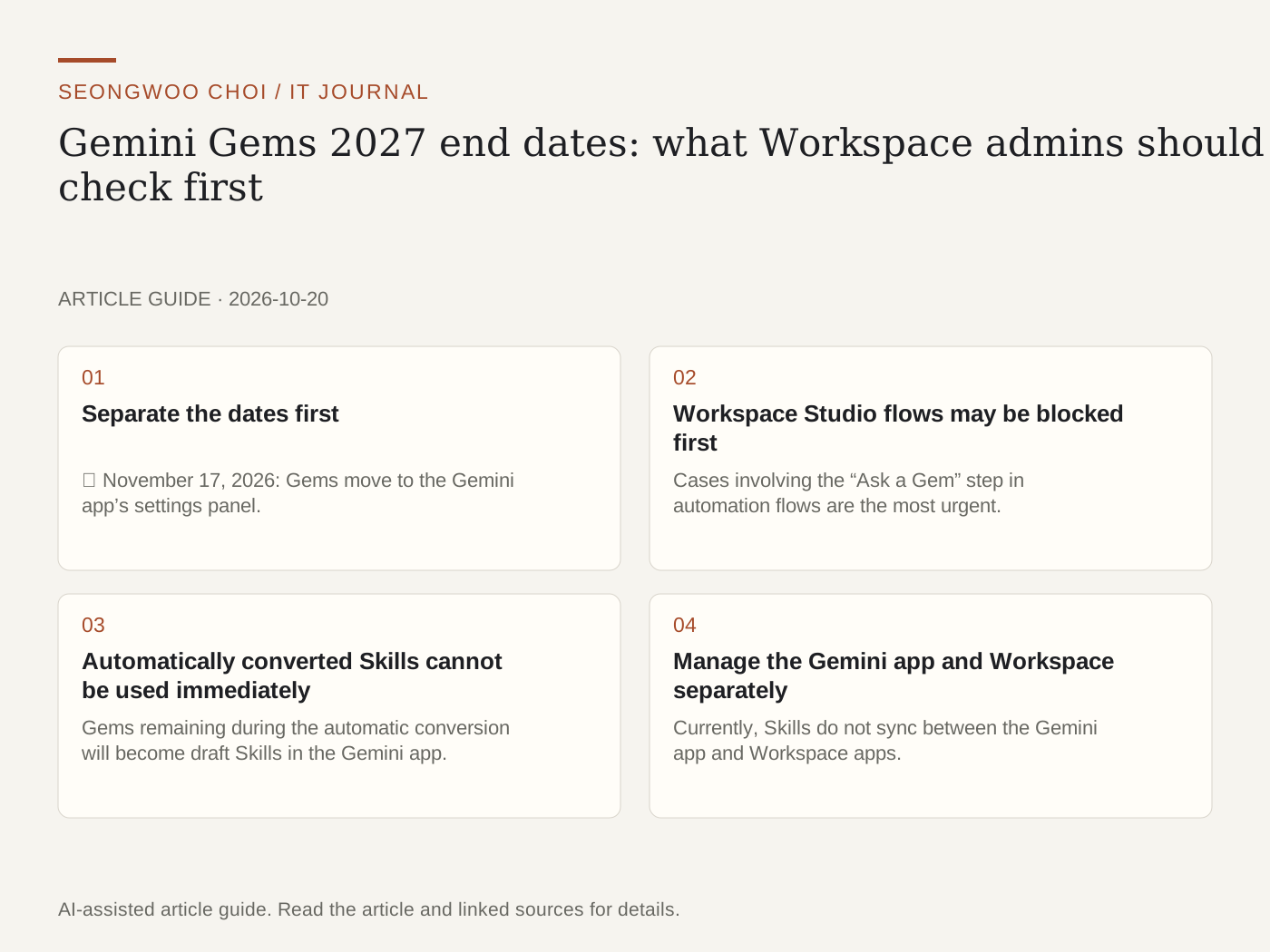
1. Separate the dates first
① November 17, 2026: Gems move to the Gemini app’s settings panel. Creating, editing, and using them will still be possible at this point. ② After March 1, 2027 (business and enterprise): You will no longer be able to create, edit, or use Gems, and they will disappear from the settings panel. ③ After June 1, 2027 (education): The same measures will also apply to Classroom and Gemini LTI integration environments.
2. Workspace Studio flows may be blocked first
Cases involving the “Ask a Gem” step in automation flows are the most urgent. According to Google’s documentation, this step can no longer be added to new flows. Existing flows will continue working until before March 2027, but will stop afterward. Google advises replacing the step with a Skill or another action. It is a good idea to identify flow owners now.
3. Automatically converted Skills cannot be used immediately
Gems remaining during the automatic conversion will become draft Skills in the Gemini app. Google explains that their names, descriptions, instructions, and attached files will be retained, and Drive sharing permissions will also be transferred. However, the creator must review and activate each Skill before it can be used or shared. Check in advance to avoid a situation where a Gem used by the entire team suddenly does not appear in the list on the conversion date.
4. Manage the Gemini app and Workspace separately
Currently, Skills do not sync between the Gemini app and Workspace apps. To use them in both places, you must create the Skills separately. Skills in Workspace apps are subject to plan and age restrictions, so first check Google Help to confirm whether they are available under your organization’s license. The rollout is scheduled to continue through mid-November 2026, depending on your domain’s release channel.
5. What admins should do now
① Make a list of the Gems the team actually uses. Start with the most frequently used ones. ② Recreate important Gems directly as Skills. If you wait for automatic conversion, there may not be enough time to compare the instructions and files. ③ Find flows in Workspace Studio that use the “Ask a Gem” step. ④ Confirm that the Skills feature is enabled in your organization. ⑤ Notify users of the March and June 2027 cutoff dates.
In summary, this feature is not disappearing immediately, but automation flows and shared Gems will be directly affected in early 2027. It is safer to finish reviewing the lists and flows now.
Source: Google Workspace Updates blog, “Introducing skills in the Gemini app and Workspace, plus what’s next for Gems” / Google Workspace Admin Help, “About the transition from Gems to skills”
Sources and original article
- workspaceupdates.googleblog.com/2026/09/skills-gemini-app-workspace.html
- knowledge.workspace.google.com/admin/generative-ai/gemini-app/about-the-transition-to-skills
Read the Korean original on Naver
This article reflects public information available when it was written. Specifications, prices and schedules can change; check the linked official documentation.
This English edition was written and translated with AI assistance, with sources provided. For errors or additional information, please request a correction. Editorial policy