AI · Software · Technology
How to verify the sources of AI answers: opening links, checking dates, and comparing sentences
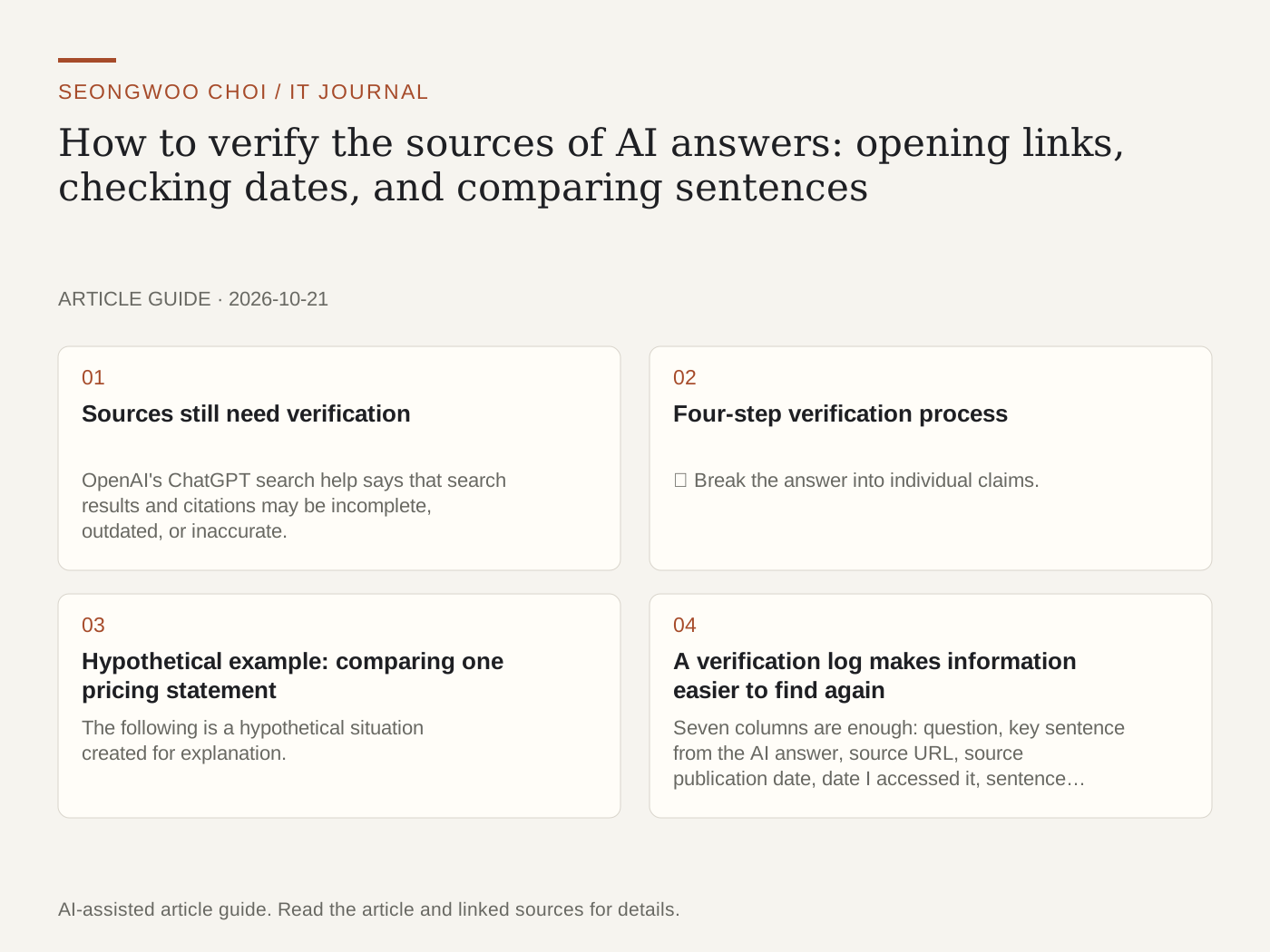
When you ask AI a question, source links are often included. However, a link does not mean the answer is correct. The link may be wrong, the link may be correct but not support the answer, or an outdated page may be cited as if it contained current information. This article outlines how to verify the sources of AI answers and demonstrates the process with a hypothetical example.
1. Sources still need verification
OpenAI's ChatGPT search help says that search results and citations may be incomplete, outdated, or inaccurate. It therefore recommends opening the cited source to check whether it actually supports the answer, checking the source's publication or revision date, and using authoritative sources when accuracy matters (OpenAI Help , checked Oct 21st 2026). Google's AI Overviews help also states that AI responses may contain mistakes (Google Search Help , checked Oct 21st 2026).
2. Four-step verification process
① Break the answer into individual claims. Start with sentences involving numbers, dates, prices, or policies, where errors could cause significant harm.
② Open the cited links and look for the same information. Rather than scanning the entire page, search for key terms such as price, limit, or effective date.
③ Record the source's publication and revision dates. It is common for an announcement from several years ago to remain as though it were current.
④ Verify important claims once more using primary sources, such as official help pages, announcements, or the original text of laws. If it is a summary article, also check whether it points to the original source.
3. Hypothetical example: comparing one pricing statement
The following is a hypothetical situation created for explanation. It is not the pricing or policy of an actual service.
AI answer: “A tool's free plan can be used up to 100 times per month.” Assume that two links appear below the answer.
Link 1: An announcement published in March 2025. Its text says “50 times per month.”
Link 2: A help page revised in September 2026. It contains no sentence about the free-plan limit and instructs readers to check the pricing page for current pricing.
Assessment: The dates of the two sources differ, and the numbers do not match. Do not use the answer sentence as written. Open the pricing page directly, confirm the current figure, and record it together with the date checked.
4. A verification log makes information easier to find again
Seven columns are enough: question, key sentence from the AI answer, source URL, source publication date, date I accessed it, sentence found in the source, and assessment (matches, does not match, or cannot be verified). Recording the access date makes it possible to distinguish what the page said then from what it says now if the page later changes.
Unable to verify is also an honest result. If the source cannot be opened or does not contain the relevant sentence, it is safer not to include that claim in an article or report.
5. Three common mistakes
First, moving on after looking only at the source title. The title and the body may differ. Second, mistaking a translated or summary article for the original source. Third, trusting only the latest article and failing to distinguish the date of an official announcement from the date it takes effect.
If you are wondering how to use AI results at work, read this as well: ChatGPT meeting-minutes organization article
Sources and original article
- help.openai.com/en/articles/9237897-searching-the-web-with-chatgpt
- support.google.com/websearch/answer/14901683
Read the Korean original on Naver
This article reflects public information available when it was written. Specifications, prices and schedules can change; check the linked official documentation.
This English edition was written and translated with AI assistance, with sources provided. For errors or additional information, please request a correction. Editorial policy