AI · Software · Technology
Organizing meeting notes with ChatGPT: Copy-and-use prompts and examples
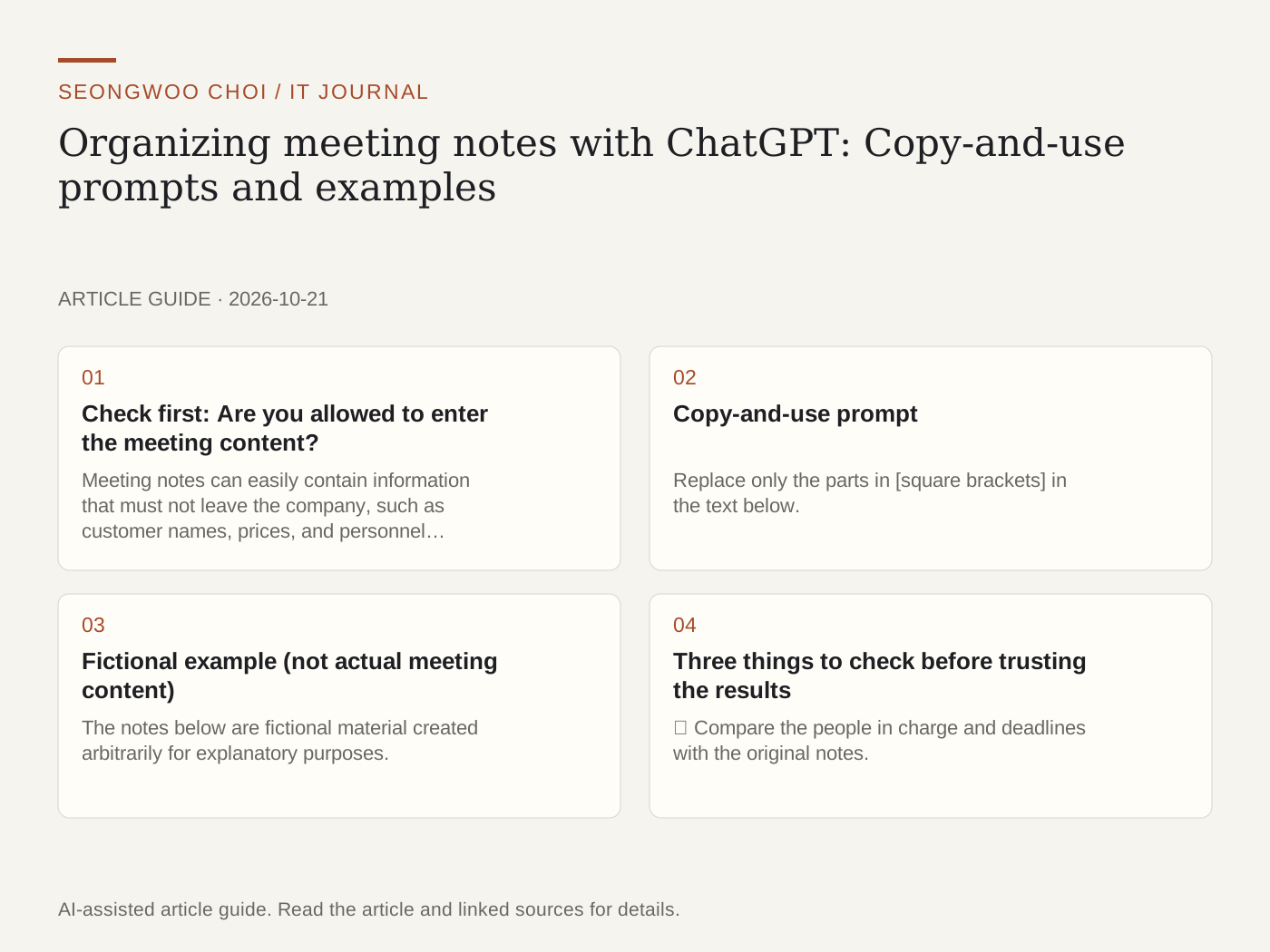
After a meeting, notes are often scattered and no one has organized “who will do what by when.” Pasting notes into ChatGPT and having it organize them in a set format can help reduce the time needed to prepare meeting minutes. This article includes a prompt you can copy and use as is, along with an example created from fictional meeting notes.
1. Check first: Are you allowed to enter the meeting content?
Meeting notes can easily contain information that must not leave the company, such as customer names, prices, and personnel information. Before pasting them in, check your company’s AI usage guidelines, and replace names and amounts with forms such as “Customer A” and “○○ won.”
According to the OpenAI Help Center, ChatGPT has a Data controls menu in Settings, and turning off “Improve the model for everyone” means that new conversations are not used to train OpenAI models. However, it also states that the available control options vary depending on the plan and workspace settings, so check directly on your own account screen. (Checked October 20, 2026)
2. Copy-and-use prompt
Replace only the parts in [square brackets] in the text below.
“You are an assistant who organizes meeting minutes. Read the meeting notes below and organize them only in the following format.”
“① One-line meeting purpose ② Decisions made (numbered list) ③ Action items (one per line: person in charge — task — deadline) ④ Issues not yet decided ⑤ Items to check at the next meeting”
“Rules: Do not add anything that is not in the notes, and write ‘Undecided’ if there is no person in charge or deadline. Write numbers and dates exactly as they appear in the notes.”
“Meeting date: [date] / Attendees: [names or roles] / Notes: [paste here]”
3. Fictional example (not actual meeting content)
The notes below are fictional material created arbitrarily for explanatory purposes. The company, people, and dates are all fabricated and unrelated to any actual meeting.
Example notes: “Meeting about revamping the new product introduction page. Team Manager Kim: the draft is due by the end of October. Assistant Manager Park is in charge of design. The pricing display method has not yet been decided. Postpone the review video until after December. Research three competitor pages before the next meeting.”
Here is an example of the organization format. This was written manually to show what the requested format might look like; it is not output from actually running the prompt.
① Meeting purpose: Discussing the direction for revamping the new product introduction page
② Decisions made: 1. Prepare the draft by the end of October 2. Postpone the review video until after December
③ Action items: Assistant Manager Park — design draft — end of October / Undecided — research three competitor pages — before the next meeting
④ Unresolved issue: Pricing display method
⑤ To check at the next meeting: Results of the competitor-page research
4. Three things to check before trusting the results
① Compare the people in charge and deadlines with the original notes. Since the model may plausibly fill in missing information, be sure to include the rule “If it is not in the notes, mark it as undecided.” ② Compare numbers and dates with the original one more time. ③ Have one attendee read it before sending it to confirm that no decisions are missing.
5. How to use it more effectively
If the notes are long, make one request at a time, such as “Decisions first, then action items.” Specify the tone, such as “formal report style,” and if the notes were transcribed from a recording, providing a list of proper nouns as well can help reduce typos.
In summary, the four steps are removing personal information, fixing the format, marking unknowns as “undecided,” and comparing the results with the original. If you are curious about which models run on free and paid plans, see GPT-6 ChatGPT expansion article ; if you are curious about the cost of repeated calls, also see GPT-6.1 Sol cache pricing article .
Source: OpenAI Help Center, 'Data controls in ChatGPT'
Sources and original article
Read the Korean original on Naver
This article reflects public information available when it was written. Specifications, prices and schedules can change; check the linked official documentation.
This English edition was written and translated with AI assistance, with sources provided. For errors or additional information, please request a correction. Editorial policy