Claude Code and your email: what to check this week
A user reported that Claude Code put their email address into web requests. What Anthropic changed, what its built-in block leaves open, and a tested hook.
 Seongwoo Choi · 3 min read
At a glanceTo preserve or transfer ChatGPT conversation history, request a data export in Settings to receive a ZIP file, but only eligible account types can request one and the emailed download link expires after 24 hours.
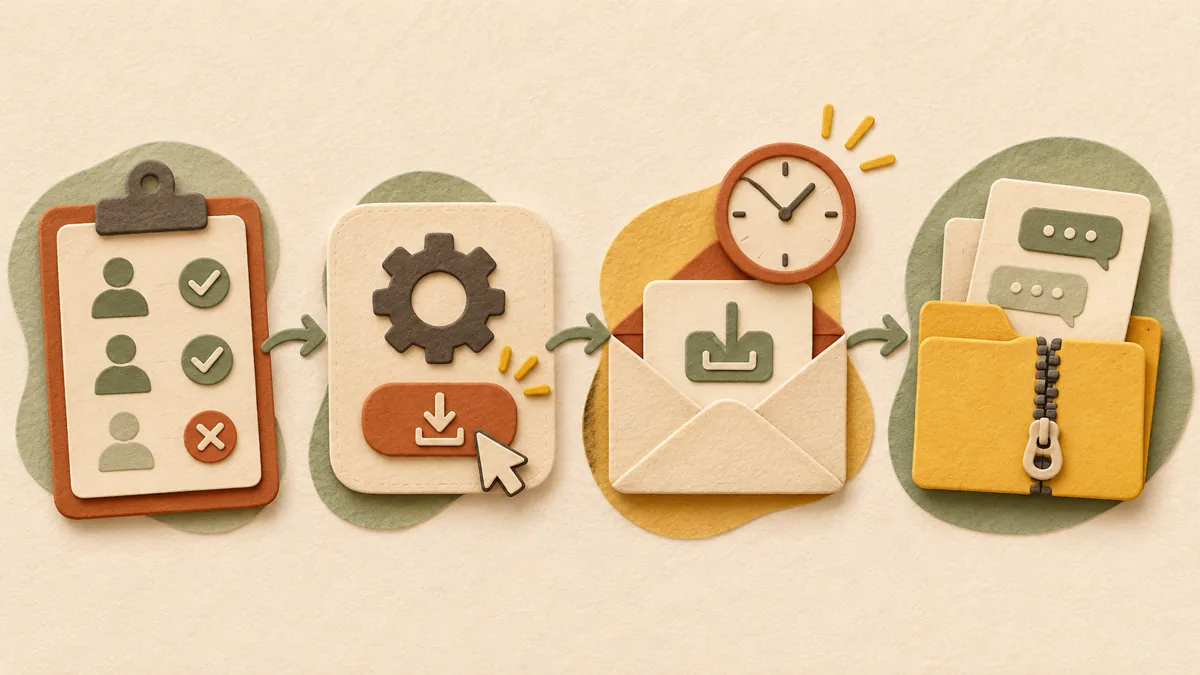
When you want to preserve your ChatGPT conversation history separately or move it to another account, the first feature to look for is data export. According to OpenAI’s official Help Center, requesting an export in Settings lets you receive a ZIP file containing your conversation history. However, only certain account types can make the request, and the download link received by email expires after 24 hours, so it is best to know the steps in advance. This article was organized after reading the official Help Center and is not based on trying the process on an actual account.
According to the official Help Center, the accounts eligible to make a request directly in Settings are Free, Go, Plus, and Pro individual accounts, as well as eligible ChatGPT Edu workspaces. Business, Enterprise, and ChatGPT for Healthcare workspaces cannot use self-service export, so you must contact the workspace owner or administrator. You cannot make a request while logged out.
After logging in to chatgpt.com, open Settings from the profile menu. Under Data controls, click Export under Export data, then click Confirm export on the confirmation screen to submit the request. The mobile app has the same menu, but if the app tells you to go to the web, the official documentation instructs you to continue on the web using the same account.
You will be notified by email or SMS when the file is ready. Preparation can take up to 7 days. The download link in the notification expires 24 hours after it is received, and you must open it while logged in to the same account. If the link has expired, you must submit a new request in Settings or the Privacy Portal. If a request is already in progress, the stated procedure is to wait until that request is complete.
According to the official documentation, the ZIP file contains conversation history and account-related data. After downloading it, immediately check whether the conversations you need are actually included. Conversations that have already been deleted cannot be restored through an export. Because this file contains account information, it is safer to check it once more before sending it through a shared drive or messenger.
First, check whether the email is in your spam or promotions folder. Second, if the account uses only a phone number, check your SMS messages. Third, contact OpenAI Support if it still has not arrived after 7 days. In summary, the order is to check the account type, submit the request in Settings, download it within 24 hours after the email arrives, and check the conversations in the ZIP file.
Related articles: How to check and delete ChatGPT memory: What to view separately from deleting conversations , How to delete Gemini conversation history and turn off saving: Check app activity settings
Source: OpenAI Help Center, Exporting your ChatGPT history and data
Read the Korean original on Naver
This article reflects public information available when it was written. Specifications, prices and schedules can change; check the linked official documentation.
This English edition was written and translated with AI assistance, with sources provided. For errors or additional information, please request a correction. Editorial policy
Found this useful? Share it, or follow for new guides.
A user reported that Claude Code put their email address into web requests. What Anthropic changed, what its built-in block leaves open, and a tested hook.
 AI & technology
This article does not rank ChatGPT, Claude, and Gemini because Gemini was inaccessible in the author’s environment on October 20, 2026; it provides a fair testing method and scoring sheet instead.
 AI & technology
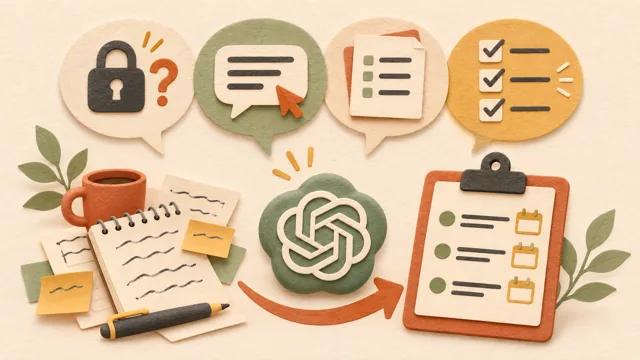
After a meeting, notes are often scattered and no one has organized who will do what by when. Pasting notes into ChatGPT and using a set format can help reduce the time needed to organize minutes.