AI · Software · Technology
How to Check Closing Days and Travel Times First in an AI-Generated Itinerary
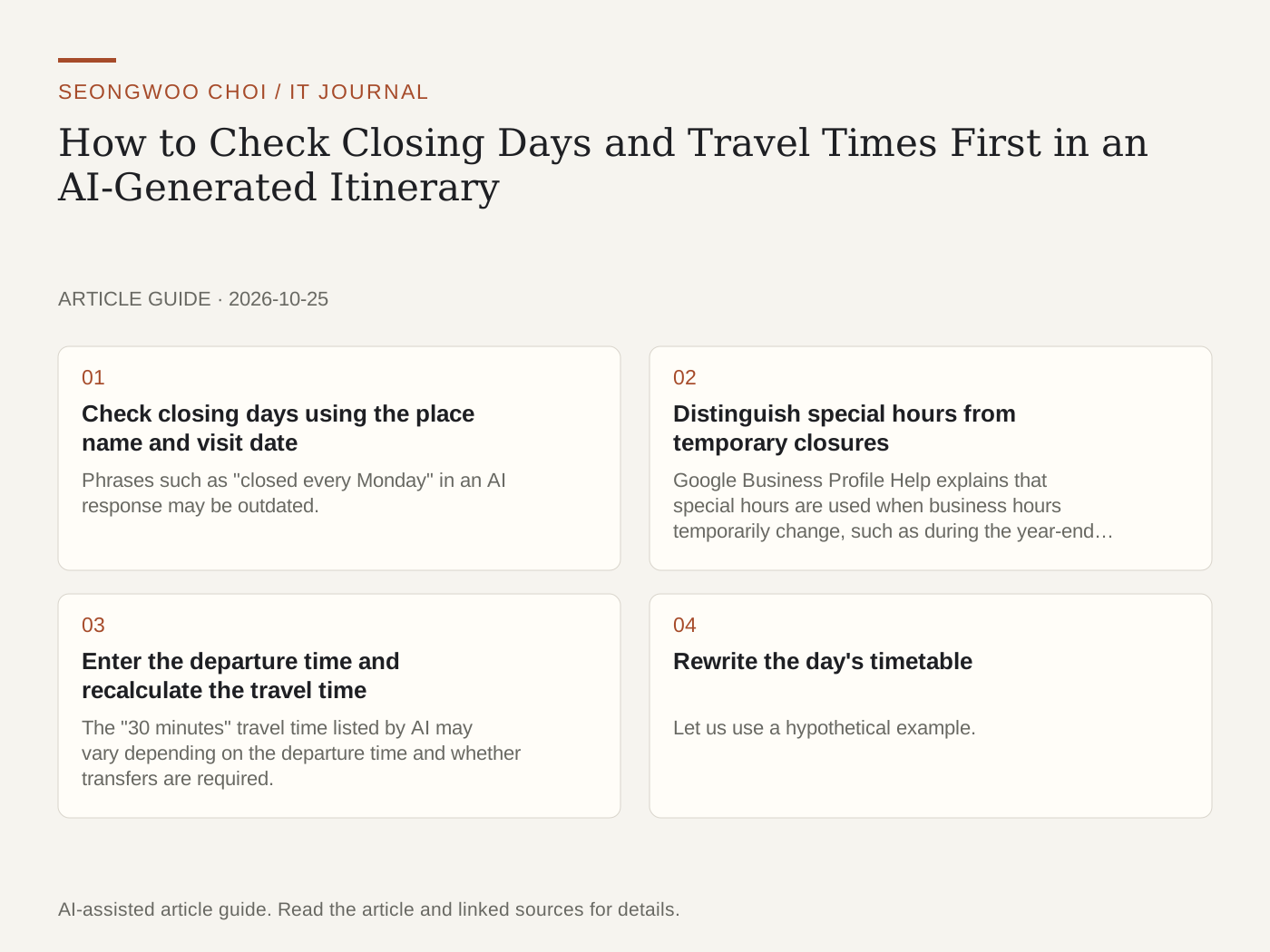
AI can quickly create a travel itinerary, but an AI-generated itinerary requires separate checks for closing days and travel times. This article is a checklist outlining how to verify whether the places you plan to visit are open that day and whether travel times are accurate based on the departure time. It is not the result of testing an actual trip; it reorganizes features described in official help pages into a checking sequence.
1. Check closing days using the place name and visit date
Phrases such as "closed every Monday" in an AI response may be outdated. Because businesses manage their own hours, check them again for the visit date in a map app or on the business's official page. If the map app does not show date-specific information, check the business's official website or call once more.
2. Distinguish special hours from temporary closures
Google Business Profile Help explains that special hours are used when business hours temporarily change, such as during the year-end and New Year period or a special event. The same help page says that closures lasting up to 6 consecutive days are shown as special hours, while closures lasting 7 or more consecutive days or with no specified period are shown as temporary closures. Therefore, even if the usual information shows "Open," special hours may apply on that date. Also check whether a public holiday coincides with the visit date.
3. Enter the departure time and recalculate the travel time
The "30 minutes" travel time listed by AI may vary depending on the departure time and whether transfers are required. In the Google Maps app, you can check the departure time after selecting a public transportation route, and some stations show real-time departure information or a departure timetable. The same help page explains the meaning of the real-time colors: green means arriving on time, orange means arriving early, red means delayed, and black means the information is not updated in real time. Google’s developer route documentation also shows that you can request a route by specifying an arrival time or departure time.
4. Rewrite the day's timetable
Let us use a hypothetical example. Suppose the AI itinerary says "10:00 a.m. A Art Museum, 12:00 p.m. B Restaurant, 1:00 p.m. C Market." There are three items to check. First, see whether A and B are closed that day. Second, recalculate the public transportation time from A to B based on a 10:00 a.m. departure. Third, check whether C coincides with a public holiday or special hours. Writing the date checked and the source next to the timetable makes it easier to review later.
5. Ask AI for source links and verification dates
Asking AI to include source links and verification dates for business hours and transportation information makes the points requiring verification clear. However, you should also open and check the links provided by AI yourself. It is safer to mark closing information without a link as "Needs verification." The same review principle was also covered in How to Review Names and Numbers After AI Translation .
Sources: Google Business Profile Help "Set special hours" , Google Maps Help "Check train and bus departure times" , Google Routes API transit route documentation . These three sources were opened and read on October 25, 2026. Information in map apps may vary depending on data provided by businesses and transportation operators, and the times and places in the examples above are hypothetical. Related articles: How to Review Names and Numbers After AI Translation , How to Review Numbers and Dates in OCR Results .
Sources and original article
- support.google.com/business/answer/6303076
- support.google.com/maps/answer/6142130
- developers.google.com/maps/documentation/routes/transit-route
Read the Korean original on Naver
This article reflects public information available when it was written. Specifications, prices and schedules can change; check the linked official documentation.
This English edition was written and translated with AI assistance, with sources provided. For errors or additional information, please request a correction. Editorial policy