AI · Software · Technology
A review sequence to prevent names and numbers from changing in AI translation
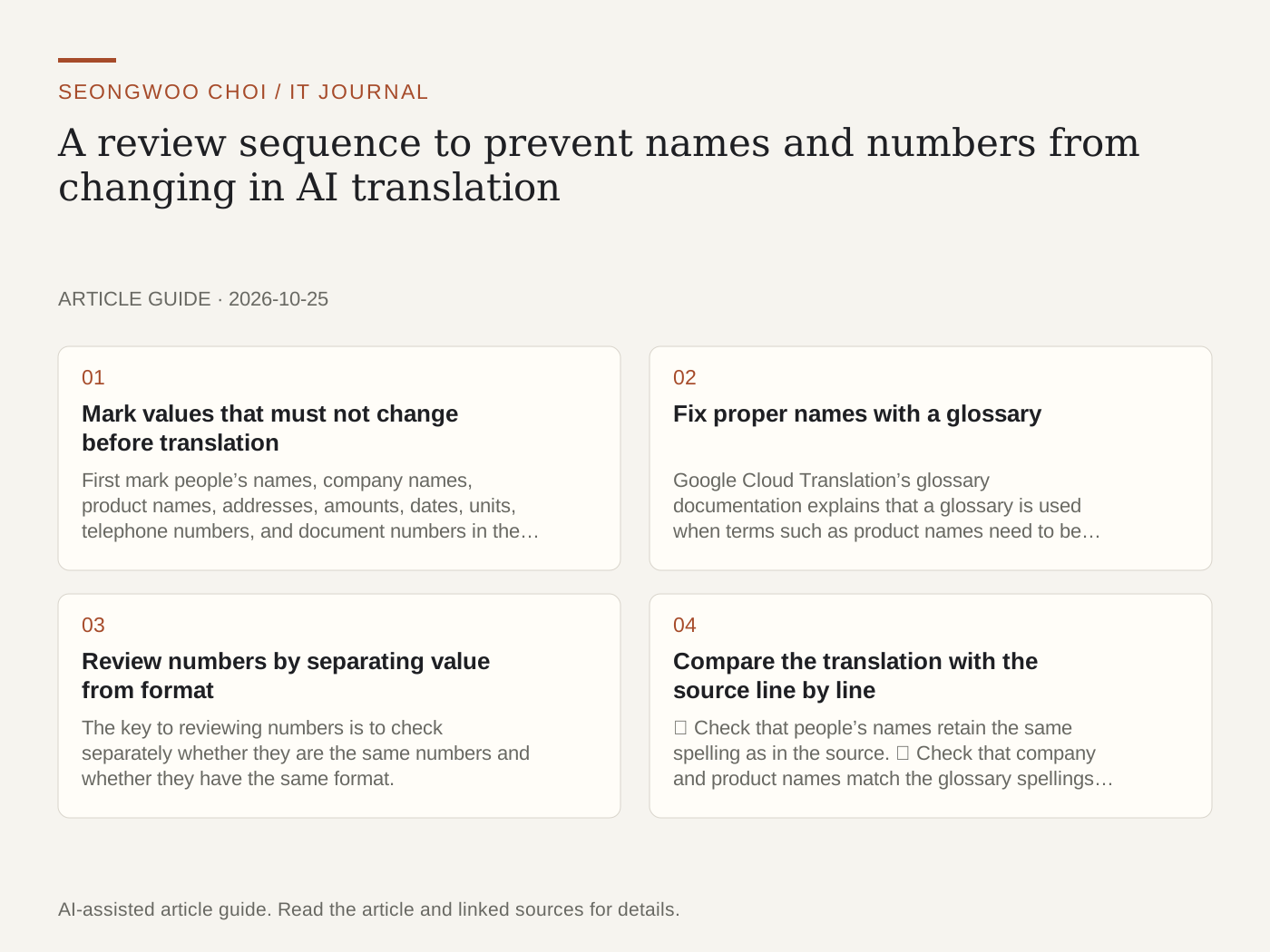
When contracts, reports, and customer notices are translated with an AI translation tool, names or numbers may change silently. The sentences may sound natural, but the content can still be wrong. This article organizes the items to check before, during, and after translation as a review checklist. It is not based on tests with an actual translation service, but is a checklist arranged as a work sequence using features described in official documentation and general review procedures.
1. Mark values that must not change before translation
First mark people’s names, company names, product names, addresses, amounts, dates, units, telephone numbers, and document numbers in the source text. Whether you use color highlighting or notes does not matter, but you must be able to find the same items immediately when reviewing the translation. Creating a list first also makes it easier to count how many numbers there are after translation.
2. Fix proper names with a glossary
Google Cloud Translation’s glossary documentation explains that a glossary is used when terms such as product names need to be translated consistently as proper names. The same document also gives examples of words with multiple meanings. The English word bat could mean a baseball bat or an animal, so you must specify the translation appropriate to the document’s field. Adding company product names or people’s name spellings to a glossary can reduce inconsistencies within a document.
The DeepL Text Translation API documentation also introduces options such as glossaries and tag handling in translation requests. Since which options to use and what format to use them in vary by service type and API version, you should check the latest help for the tool you use.
3. Review numbers by separating value from format
The key to reviewing numbers is to check separately whether they are the same numbers and whether they have the same format. As a hypothetical example, suppose the source says, "Pay KRW 1,250,000 by 6:00 p.m. on October 25, 2026," while the translation says, "by 2026. 10. 25. 18:00, 1.250.000 won." The values of the date and amount may appear identical, but commas and periods have different roles in different countries, so the amount could be misread. For text intended for Korean readers, restore the original notation; for a foreign-language document, separately check the conventions of the target language.
Next, place the list of numbers extracted from the source next to the list of numbers in the translation and compare their counts. If the source contains one date and one amount but only the amount remains in the translation, suspect an omission and review that sentence again.
4. Compare the translation with the source line by line
① Check that people’s names retain the same spelling as in the source. ② Check that company and product names match the glossary spellings. ③ Check that time zones (e.g., KST and PT) have not been omitted from dates and times. ④ Check the currency symbols and units for amounts (won, dollars, and %). ⑤ Check that negative sentences such as "does not ~" and "is not ~" have not changed into affirmative sentences. ⑥ Check that the number of rows in lists or tables matches the source.
5. Mark ambiguous values instead of confirming them
Even when the translation sounds natural, there is no guarantee that it accurately conveys the meaning of the source. A person must compare the source and translation for high-impact items such as contract amounts, deadlines, and medical or financial information. For values you are not sure about, leave "Needs confirmation" in the translation and transfer only values confirmed against the source to the final version. This is the safer approach.
6. Points to note when publishing a translation
This article’s checklist is a procedure for reviewing a translation. Publishing the translation on the web is a separate issue. Google Cloud Translation’s markup guidance explains that if unprocessed API results are published on the web and made searchable, the translation must be labeled as machine-translated content. Before publication, it is useful to organize which parts are machine-translated and which parts were corrected by a person.
7. Review sequence at a glance
① Mark names, numbers, dates, and proper names in the source. ② Decide which spellings to add to the glossary. ③ Compare the number and format of numbers after translation. ④ Compare the spellings of names and product names. ⑤ Check time zones for dates and currencies for amounts. ⑥ Leave uncertain values marked "Needs confirmation."
You can also read A sequence for reviewing number and date typos after OCR of scanned documents and A checklist for removing personal information before uploading documents to AI to continue reviewing the document workflow.
Sources: Cloud Translation glossary documentation , Cloud Translation API markup guidance , and DeepL API text translation documentation . All were checked at 2026-10-25 Korea time. Supported options, pricing, and document formats may change, so check the latest help before use.
Sources and original article
- docs.cloud.google.com/translate/docs/advanced/glossary
- docs.cloud.google.com/translate/markup
- developers.deepl.com/api-reference/translate/request-translation
Read the Korean original on Naver
This article reflects public information available when it was written. Specifications, prices and schedules can change; check the linked official documentation.
This English edition was written and translated with AI assistance, with sources provided. For errors or additional information, please request a correction. Editorial policy