AI coding agent tips: nine habits that prevent rework
Nine working habits for coding agents such as Claude Code: what to write down, how to phrase a task, how to make the agent check its work, and when to restart.
 Seongwoo Choi · 3 min read
At a glanceExtract verifiable items such as company names, roles, periods, headcounts, amounts, figures, and certifications into a table. Treat it as the reference list and reject any AI-added experience or numbers not on it.
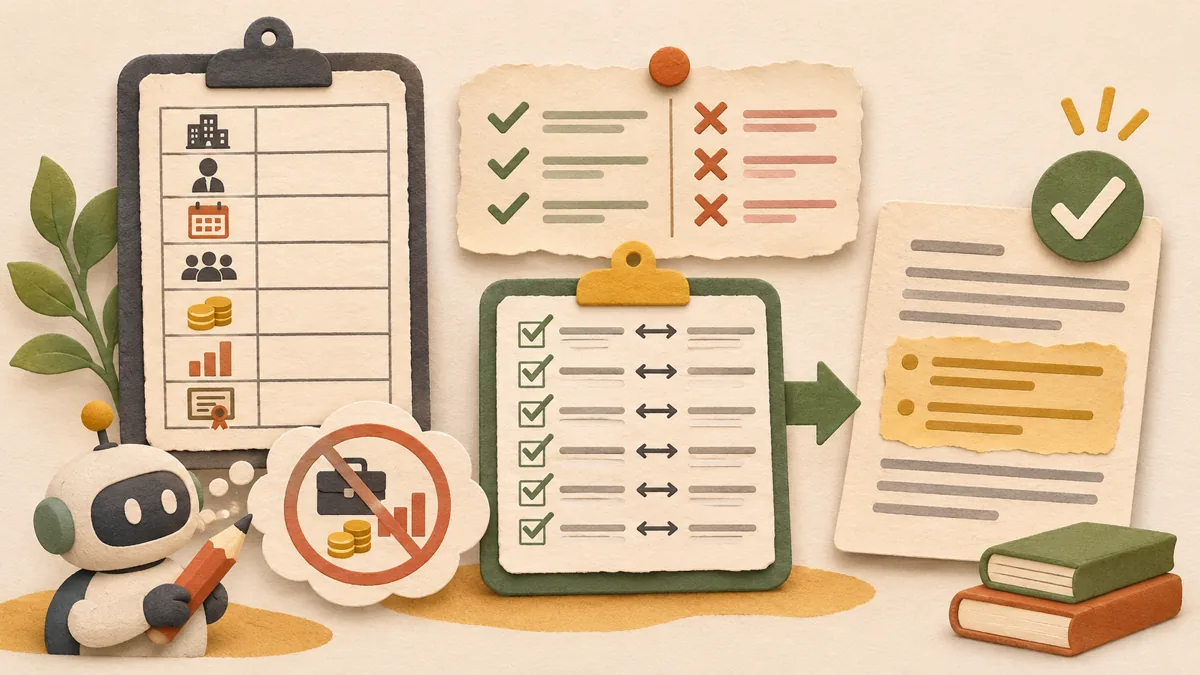
When you ask AI to refine a personal statement, the sentences become smoother, but project periods or performance figures absent from the original may also be added. This article organizes an edit checklist that improves the wording while keeping the facts based on the original. It is not the result of actually revising a personal statement with an AI tool, but a checking sequence based on descriptions of how official documents work.
Extract verifiable items such as company names, roles, periods, headcounts, amounts, figures, and certifications from the personal statement into a table. This list is the reference table. If experience or numbers not on the list appear in the AI output, do not adopt them no matter how natural the sentences sound.
In the request, write both what may be changed and what must not be changed. For example: “Please make the sentences concise and polite. Do not add new experience, figures, qualifications, or periods. If there is no basis, leave it blank.” Microsoft’s Word Copilot documentation also advises specifying the desired task, such as adjusting the tone or restructuring the content.
Next to each resulting sentence, indicate which item in the original list it corresponds to. Do not overwrite a sentence immediately if it has no corresponding item. According to Microsoft’s documentation, Word Copilot results can be replaced with “Replace” or placed below the original with “Insert below.” For a personal statement, it is safer to use “Insert below” and compare before deleting the original. Microsoft Support document
If a specific achievement such as “reduced processing time by 30%” appears newly, find where that number appears in the original. If you cannot find it, delete it or mark it as “[Needs verification].” Making numbers seem plausible is not a good answer.
OpenAI defines hallucination as “a statement that sounds plausible but is not factual.” In the same article, OpenAI explains that evaluations counting only correct-answer rates encourage guessing, and considers an incorrect answer worse than saying it does not know. Therefore, it is advisable to include a condition in the request saying, “If you are not sure, ask a question or leave it blank.” OpenAI explanatory article However, there is no guarantee that this condition will always be followed, so the review in step 4 must still be performed.
Check whether the company name and role match the original, whether the period and headcount match the original, whether you can explain the sentence directly in an interview, and whether no AI conversation notes or editing instructions remain in the file. If even one of the four checks fails, restore that sentence to the original.
Source: Microsoft Support, “Edit content and rewrite” (Word Copilot, English), and OpenAI, “Why language models hallucinate.” These two materials were opened and read on Oct 29th 2026 KST. Related articles: AI document privacy checklist , How to anonymize example rows when asking AI about Excel formulas
Read the Korean original on Naver
This article reflects public information available when it was written. Specifications, prices and schedules can change; check the linked official documentation.
This English edition was written and translated with AI assistance, with sources provided. For errors or additional information, please request a correction. Editorial policy
Found this useful? Share it, or follow for new guides.
Nine working habits for coding agents such as Claude Code: what to write down, how to phrase a task, how to make the agent check its work, and when to restart.
 AI & technology
This checklist outlines what to verify before, during, and after AI translation so that names, numbers, dates, and other critical values are not silently changed.
Seven habits from Docker's own build guide: a small base image, multi-stage builds, .dockerignore, pinned versions, one apt-get layer, build secrets, non-root.