AI · Software · Technology
Question order and verification checklist to reduce omissions when summarizing long PDFs with AI
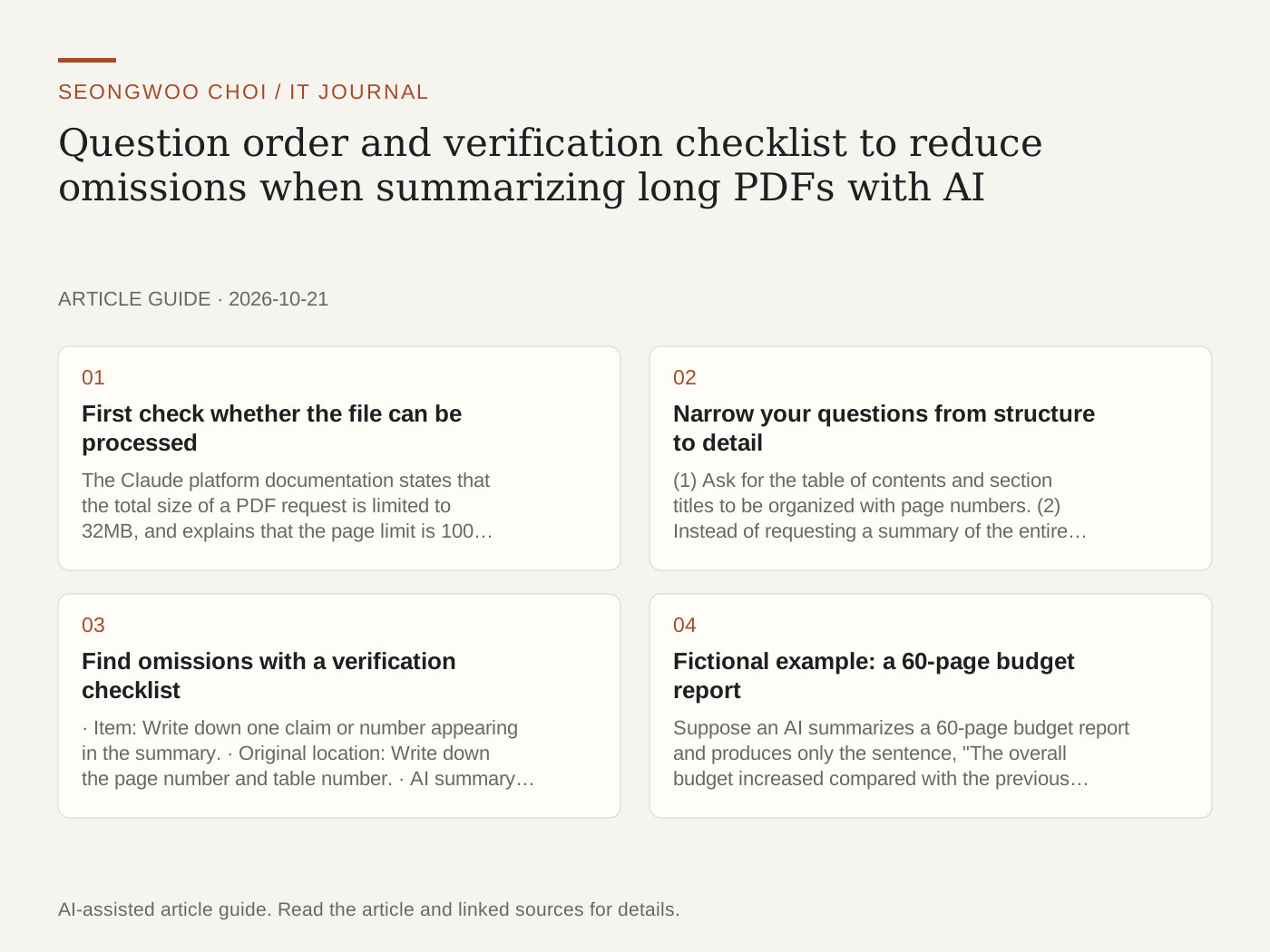
AI can quickly summarize long PDFs, but important conditions or numbers are easily omitted. Setting a question order and checking against the original can greatly reduce omissions. The method below is based on explanations of limits in official documents, and the examples are fictional situations.
1. First check whether the file can be processed
The Claude platform documentation states that the total size of a PDF request is limited to 32MB, and explains that the page limit is 100 pages when the context window is under 1 million tokens and 600 pages when it is higher. PDFs protected by passwords or encryption do not meet the requirements because they are not in a standard format (Claude PDF support documentation , checked Oct 22nd 2026). However, this is developer API documentation, so you should separately check the file limits of the app you actually use in that service's help documentation.
2. Narrow your questions from structure to detail
(1) Ask for the table of contents and section titles to be organized with page numbers. (2) Instead of requesting a summary of the entire document at once, request summaries by section. (3) Ask for the conclusions, numbers, dates, and conditions to be extracted separately. (4) Ask for the original page number of each item as well. Official documentation also recommends dividing dense or large files into multiple parts.
3. Find omissions with a verification checklist
· Item: Write down one claim or number appearing in the summary. · Original location: Write down the page number and table number. · AI summary sentence: Copy the sentence exactly from the summary. · Judgment: Choose one of matching, mismatch, or omission. Check numbers and dates directly against the original, not the summary.
4. Fictional example: a 60-page budget report
Suppose an AI summarizes a 60-page budget report and produces only the sentence, "The overall budget increased compared with the previous year." After creating a verification checklist and comparing it with the appendix tables, you find that some items had actually decreased. At this point, asking, "Please reorganize the changes by item in the appendix tables, together with the page numbers," makes it easier to find omitted items. This example is a fictional situation for illustrative purposes.
5. Limitations to check
Summary quality may decline for documents with poor scans, many tables and figures, or complex text layouts. Before uploading sensitive information, also see the Personal information checklist before uploading to AI , and for ways to check the sources of AI answers, see How to check the sources of AI answers .
Sources and original article
Read the Korean original on Naver
This article reflects public information available when it was written. Specifications, prices and schedules can change; check the linked official documentation.
This English edition was written and translated with AI assistance, with sources provided. For errors or additional information, please request a correction. Editorial policy