In this article 6 sections
- 1. First, confirm what tokens are
- 2. Find the three rates in the pricing table
- 3. Set up the monthly cost formula
- 4. Calculate using a hypothetical workload
- 5. Steps for comparing with actual usage
- 6. Three things to check before reducing costs
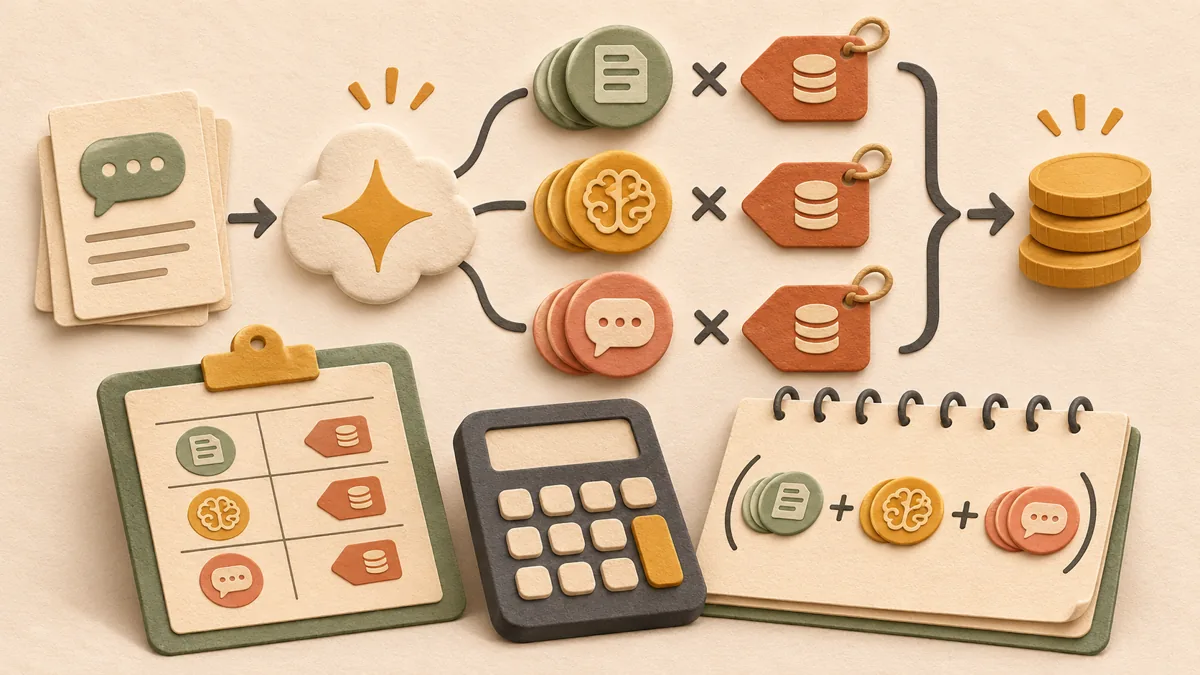
Gemini API costs are not a fixed amount per call; they are calculated by multiplying input tokens, output tokens, and thinking tokens by their respective rates and adding them together. This article explains the calculation sequence for Gemini 3.8 Flash Standard paid rates based on Google’s official pricing table. It is an illustrative hypothetical example, not a measurement of actual usage.
1. First, confirm what tokens are
Gemini documentation explains that one token in Gemini models corresponds to approximately four characters, and that 100 English words correspond to approximately 60–80 tokens. Because the ratio between character count and token count can differ for Korean and English, do not estimate based on character count; use countTokens to count the actual number of tokens in the prompt.
2. Find the three rates in the pricing table
Prices are based on 1 million tokens (1M). The Gemini 3.8 Flash Standard paid rates are $0.75 for input and $3.75 for output, including thinking tokens, through December 31, 2026. Starting January 1, 2027, they increase to $1.50 for input and $7.50 for output. The same pricing table also includes rates for context caching, used for repeated inputs, and Batch rates, so choose the line that matches your usage method.
3. Set up the monthly cost formula
Monthly cost = (monthly input tokens ÷ 1 million × input rate) + ((monthly output tokens + monthly thinking tokens) ÷ 1 million × output rate). Because thinking tokens are included in the pricing table’s output item, add thinking tokens to the output amount even though they do not appear as text in the response. Add Google Search grounding and cache storage costs separately.
4. Calculate using a hypothetical workload
Assume the following: 1,000 requests per day, 2,000 input tokens per request, 500 output tokens, 1,000 thinking tokens, and 30 days per month, with no cache or Batch usage. Input totals 1,000 × 2,000 × 30 = 60 million tokens, resulting in $60 × $0.75 = $45. Output and thinking total (500 + 1,000) × 1,000 × 30 = 45 million tokens, resulting in 45 × $3.75 = $168.75. The total is approximately $213.75 (based on rates through December 2026).
If the same usage continues after January 1, 2027, input costs $90 and output plus thinking costs $337.5, for a total of $427.5. Because the rates double, calculate 2027 rates separately when preparing an annual budget.
5. Steps for comparing with actual usage
① Record input tokens, output tokens, and thinking tokens separately from the usage fields in API responses. ② Run several dozen to about 100 requests for each task type and calculate the average. Because averages can change significantly when long documents or images are included, separate the types. ③ Calculate the estimated monthly cost using the formula above. ④ If there is a large difference compared with the usage shown on the billing screen, check the request configuration again.
6. Three things to check before reducing costs
First, check whether you are including a long system instruction in every request. Check the pricing table to see whether repeated inputs qualify for the context caching rate. Second, check whether thinking is enabled even for simple tasks such as classification. Thinking tokens are billed at the output rate. Third, check whether the task requires an immediate result. According to the pricing table, Batch rates for both input and output are half the Standard rates through December 31, 2026.
Related articles: Gemini 3.8 Flash introductory pricing expiration article ↗, GPT-6.1 Sol cached input pricing article ↗
Official sources referenced are the Gemini API pricing table ↗ and Gemini API token documentation ↗. Prices may change, so check the model name and date in the official pricing table again before calculating.
Sources and original article
Read the Korean original on Naver ↗
This article reflects public information available when it was written. Specifications, prices and schedules can change; check the linked official documentation.
This English edition was written and translated with AI assistance, with sources provided. For errors or additional information, please request a correction. Editorial policy