How to find the time of an error in Event Viewer when a Windows program suddenly closes
If a program suddenly closes or your PC restarts on its own, start by checking Event Viewer records around that time, then narrow the results by time and level.
Topic · 47 articles
Find the cause before changing settings. Practical help with devices, updates, performance, and recovery.
Page 2 of 4
If a program suddenly closes or your PC restarts on its own, start by checking Event Viewer records around that time, then narrow the results by time and level.
 Windows
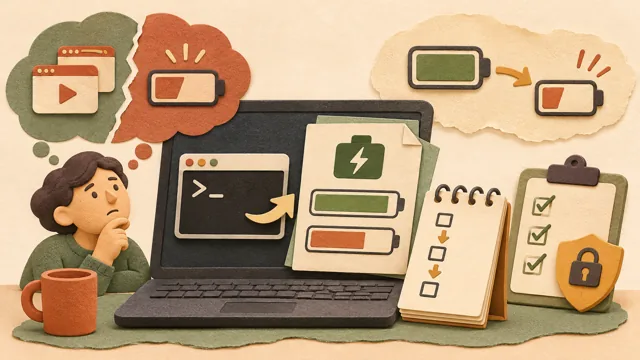
If your laptop shuts down sooner or lasts less on one charge, use Windows’ powercfg battery report to distinguish high app usage from reduced battery capacity and assess battery aging.
 Windows
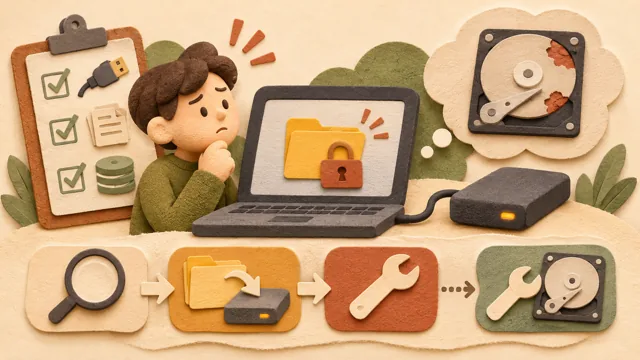
When a disk error is suspected, chkdsk options should be chosen by purpose: check the status first, repair file-system errors with /f, and consider /r only when physical-sector damage is suspected.
 Windows
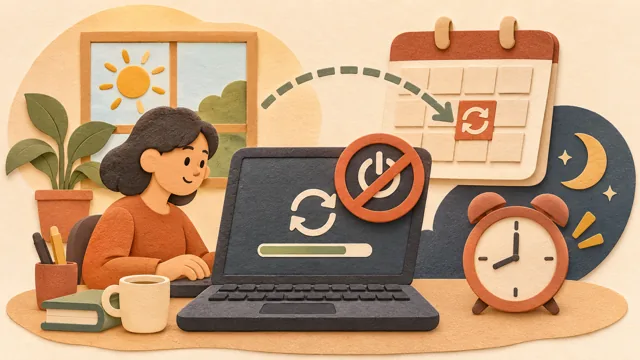
After installing a Windows update, you may need to restart your PC to finish. This article explains how to defer restarts with Active hours and how to choose a specific time with Schedule the restart, based on Microsoft Support.
 Windows
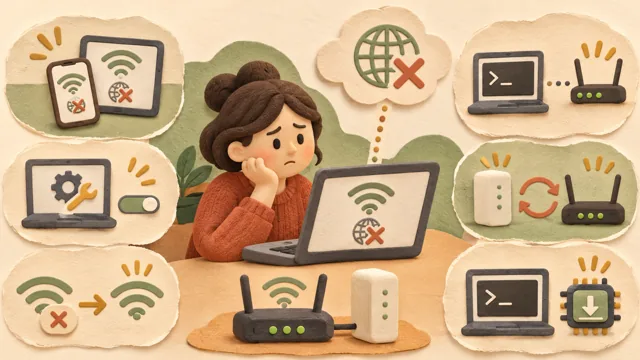
If Wi-Fi shows as connected but webpages do not open, narrow the cause by checking the PC, router, and ISP in that order instead of changing several settings at once.
 Windows
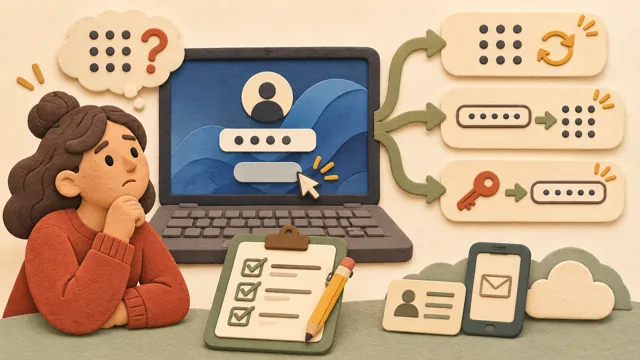
If you forget your Windows login PIN, follow the appropriate Microsoft account or local account recovery path to reset your password or create a new PIN.
 Windows
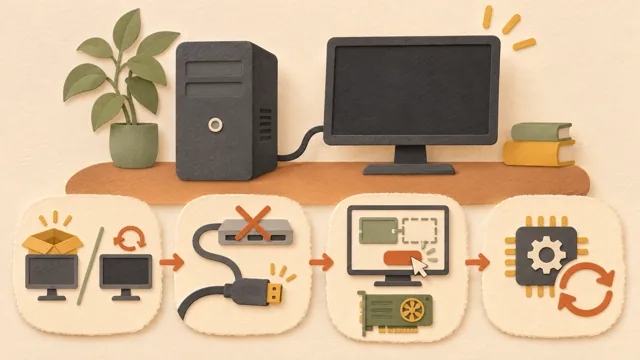
When an external monitor shows no image or a second display does not appear in Settings, narrow the cause to cables and connection devices, Windows display settings, or graphics drivers using Microsoft's official troubleshooting order.
 Windows
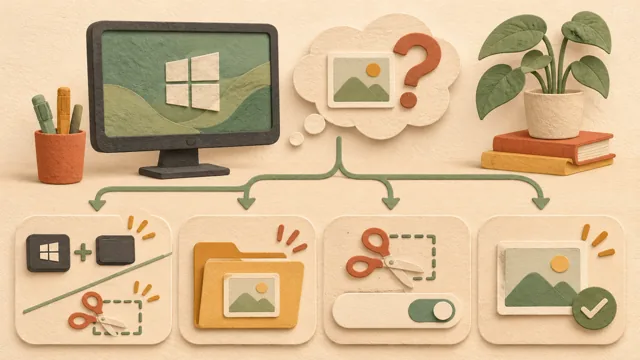
When a Windows screenshot file is missing, identify the capture method first: Windows logo key + PrtScn saves directly to Pictures\Screenshots, while Snipping Tool may save automatically according to its settings.
 Windows
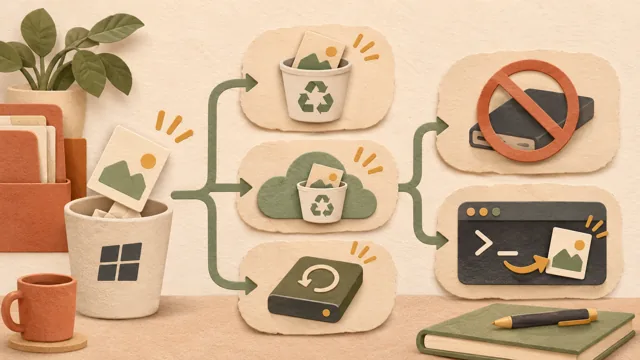
When you accidentally delete a file, first check where it may still exist—your PC’s Recycle Bin, a cloud Recycle Bin such as OneDrive, or a backup—before installing recovery software, following Microsoft’s official guidance.
 Windows
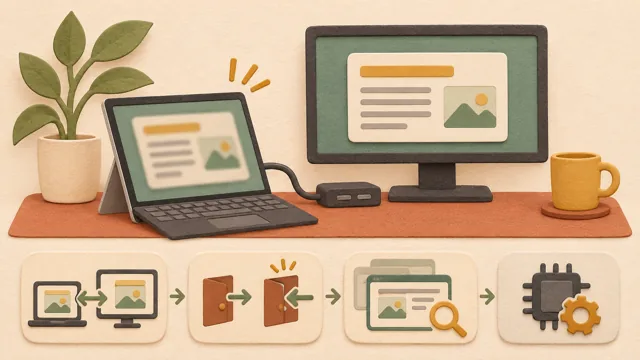
When text and app screens look blurry after connecting an external monitor or docking and undocking a laptop, first check per-monitor scaling and sign-in status before suspecting the graphics driver.
 Windows
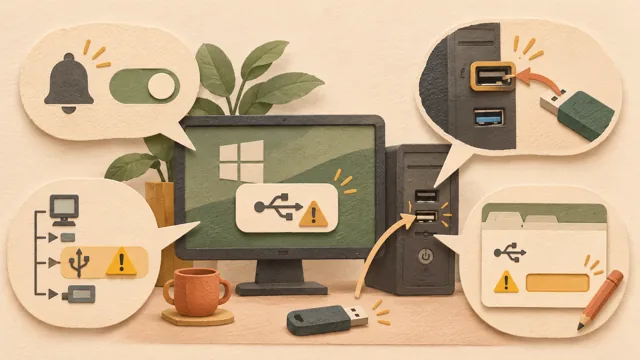
When Windows shows a “USB device not recognized” alert, check the Device Manager error code and follow the official procedure for that code, starting with low-cost checks such as trying another port.
 Windows
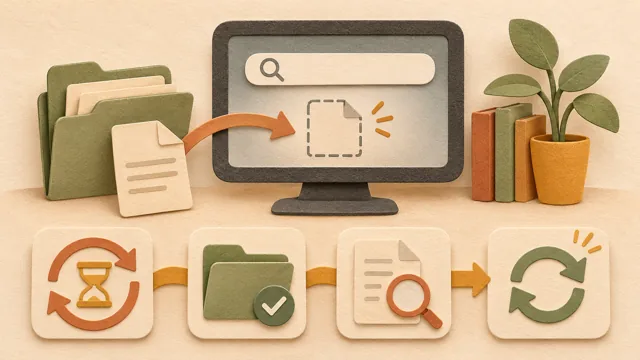
When a file does not appear in Windows Search, the index may still be running or the folder may be excluded. This guide follows Microsoft’s official documentation, starting with the least costly checks.