 Windows
How to choose between sleep and hibernate on a laptop
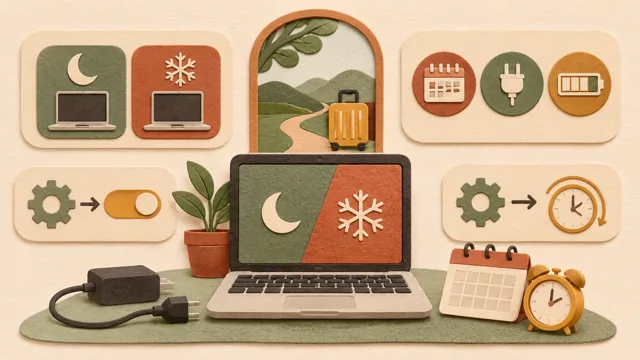
If you are unsure whether to choose sleep or hibernate when closing your laptop, consider how long you will be away and whether you can connect a charger.
Topic · 47 articles
Find the cause before changing settings. Practical help with devices, updates, performance, and recovery.
Page 4 of 4
WindowsIf you are unsure whether to choose sleep or hibernate when closing your laptop, consider how long you will be away and whether you can connect a charger.
 Windows
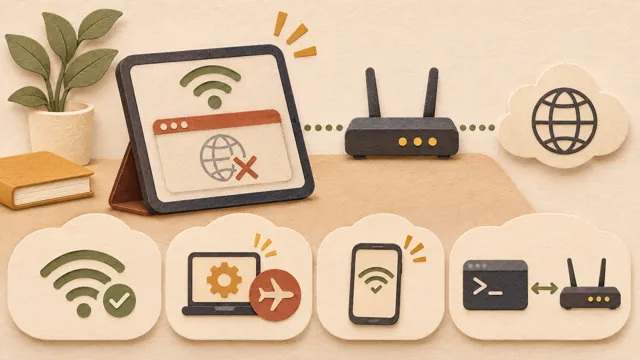
If the Wi-Fi icon says connected but web pages do not open, check where the path to the internet is broken, in order from the PC to the router and connection.
 Windows
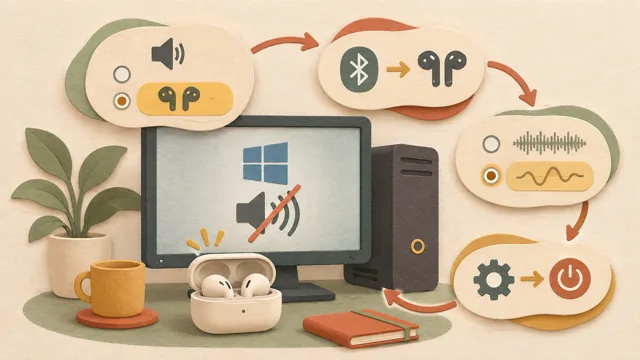
If Bluetooth earbuds are connected to a PC but produce no sound, check the output device, connection status, audio format, and drivers before concluding that the earbuds are defective.
 Windows
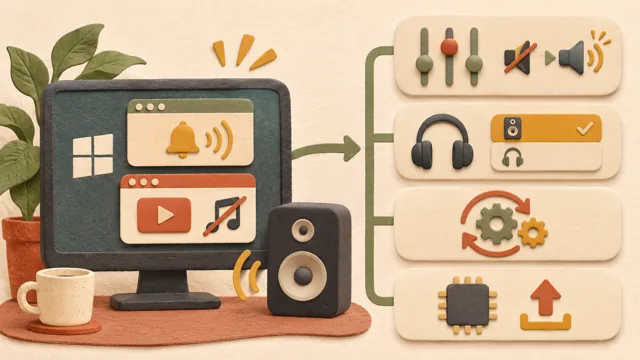
When Windows alert sounds work but a specific app has no audio, the cause is often the app volume or output device rather than a faulty speaker; this article presents Microsoft’s checks in order.
 Windows
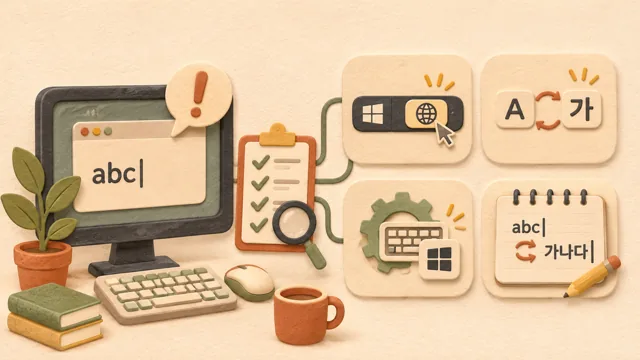
When Korean input suddenly stops working or only English appears, check the input language, A/Korean mode, and whether Microsoft IME is selected, then test switching in Notepad and check for app conflicts.
 Windows
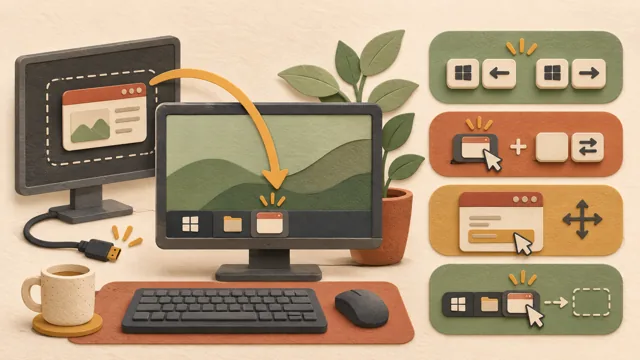
After disconnecting a monitor, a window may remain off-screen even though its taskbar icon is visible. This guide explains how to bring it back using Microsoft’s official shortcut list.
 Windows
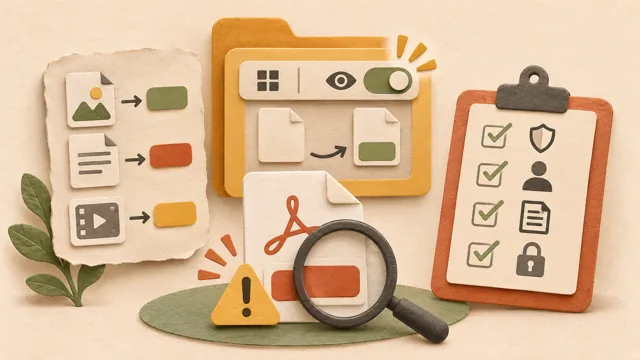
Learn how to show file extensions in Windows and check double-extension files such as name.pdf.exe before opening them, based on Microsoft’s official support documentation.
 Windows
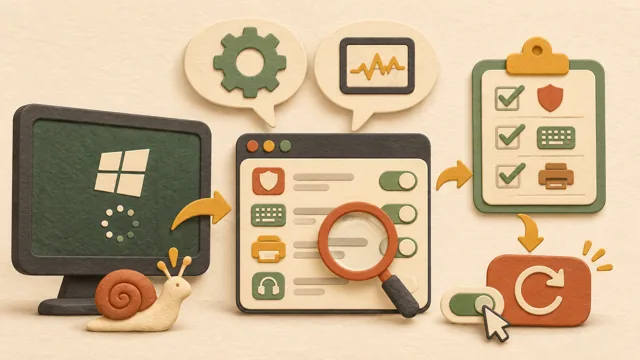
If the desktop appears slowly or disk usage stays high after startup, startup programs may be responsible. Check each item before disabling it to avoid stopping essential features such as antivirus, input methods, and device assistants.
 Windows
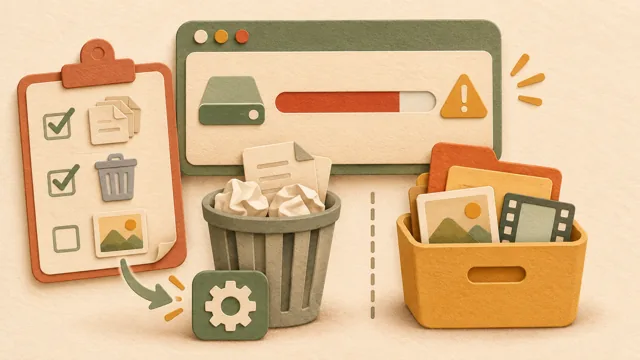
When Windows warns that storage is low, separate items Storage Sense can delete automatically from personal files that require your judgment, following Microsoft’s official guidance for Windows 11.
 Windows
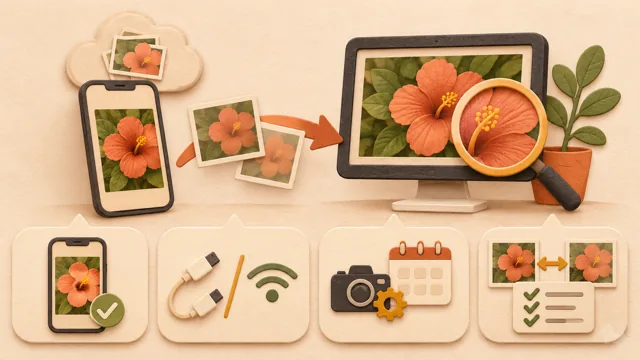
Photos may seem lower quality after transfer because the PC received a non-original file, the format changed, or the original was not on the phone; check the source and verify the result.
 Windows
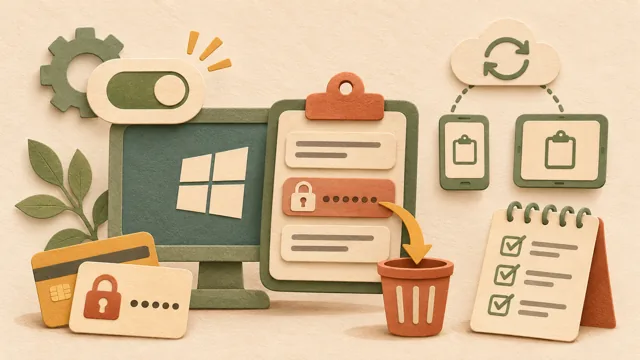
 can retain copied passwords and account numbers in clipboard history, so this guide explains how to enable, clear, and check clipboard history synchronization.